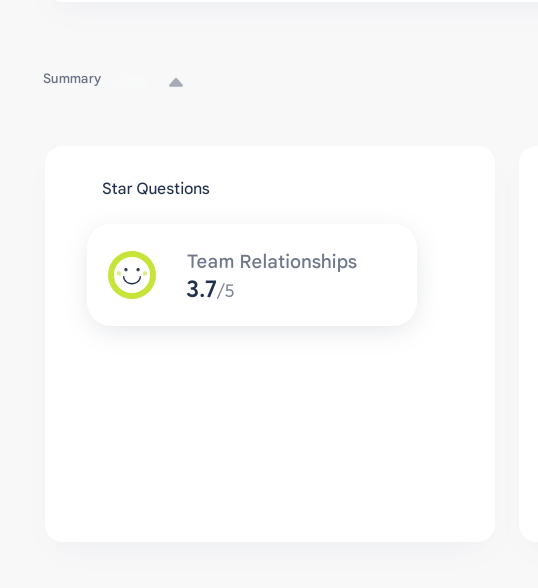
🌟 Star Questions
Star Questions allow you to highlight up to 3 key questions in your survey, in order to easily track their results and evolution over time.
🛠️ Define Star Questions
During the “Build” step of your survey:
- You can select up to 3 Star Questions
- A counter at the top of the page shows how many Star Questions you have already selected
- Star Questions can be identified using a dedicated icon in your question list

🔎 Why use Star Questions?
- These questions are considered strategic for your organization
- They allow you to track key indicators over time
- They are highlighted in the results for easier reading
🧭 View and track Star Questions
Once your Star Questions have been defined:
- Click on the Star Questions counter (top right of the “Build” page) to access a dedicated summary
- This summary includes all Star Questions