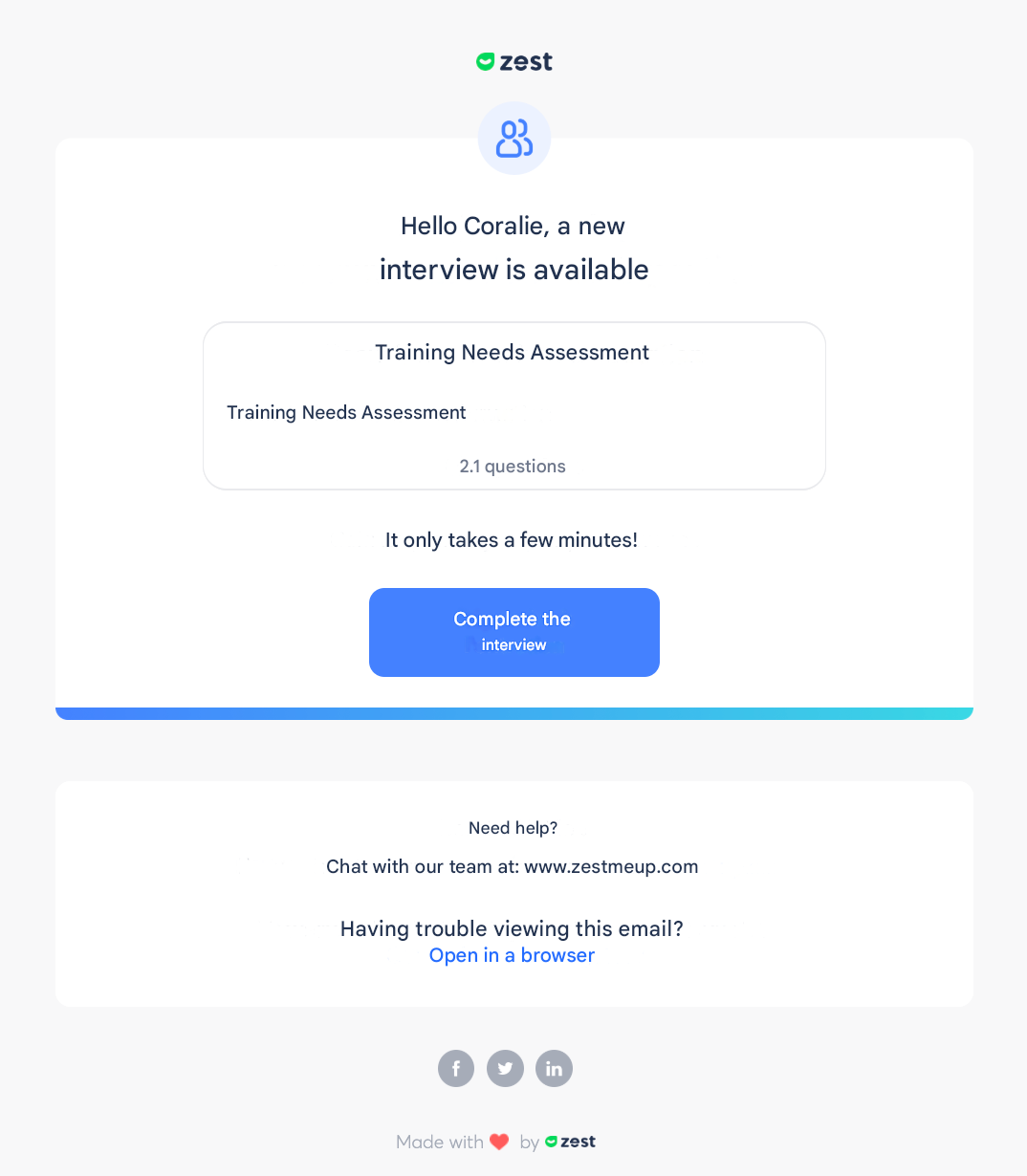
| 1 | When a review is launched | The employee receives an email to respond | Immediate email (if enabled) + app notification |
| 2 | When an employee has responded to their review | The manager is invited to contribute to their employee’s review | Summary email D+1 at 11:30 AM (if enabled) + app notification |
| 3 | When a contributor has contributed | The employee is invited to view the contributor’s comments | Immediate email (if enabled) + app notification |
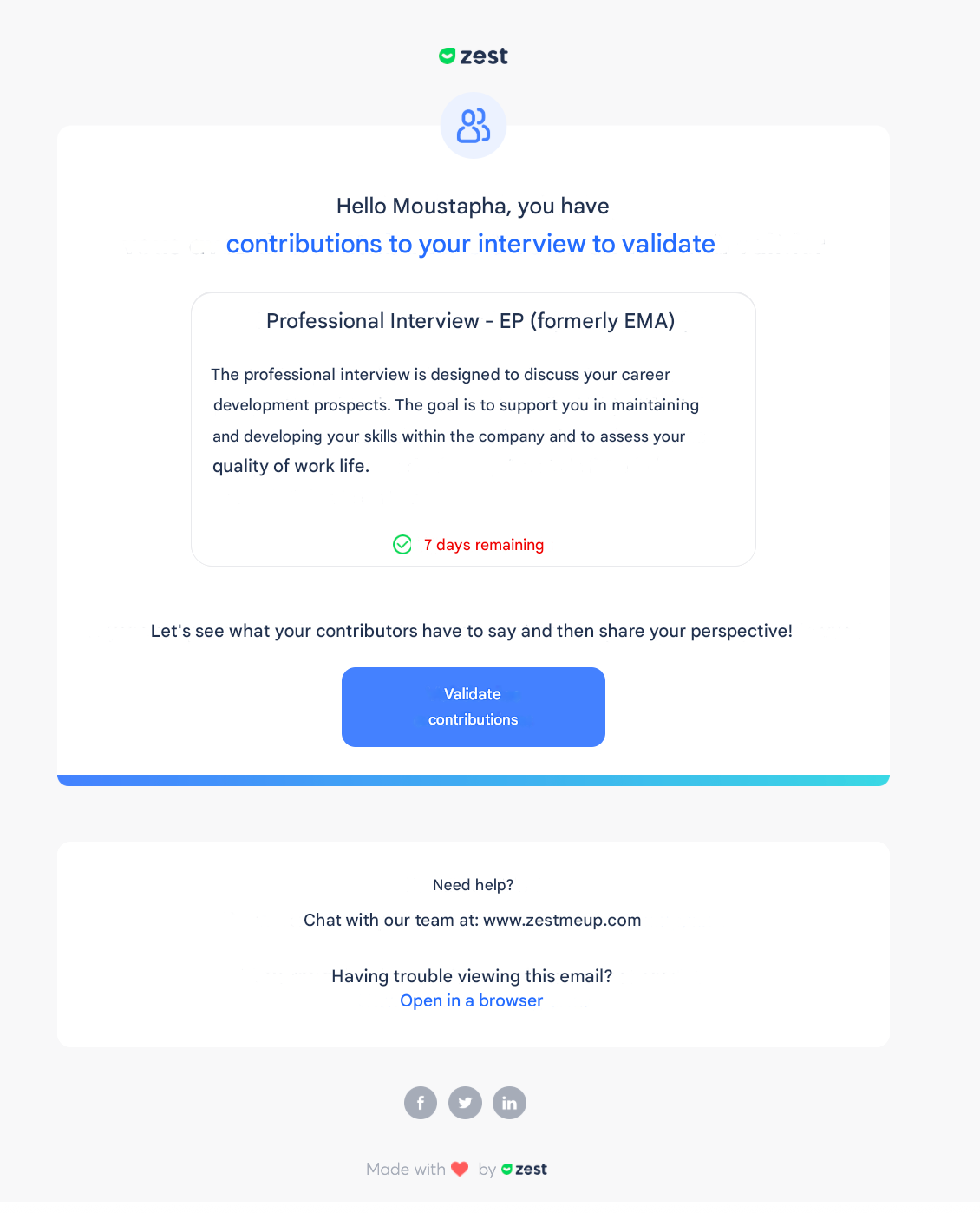
| 4 | When a new period begins (contribution, then validation if applicable) | The manager is invited to contribute to their employees’ reviews; the employee is invited to validate their review | Immediate email (if enabled) + app notification |
| 5 | When an employee has validated their review | The manager is notified that the employee has validated their review + remaining reviews to validate | Immediate email (if enabled) + app notification |
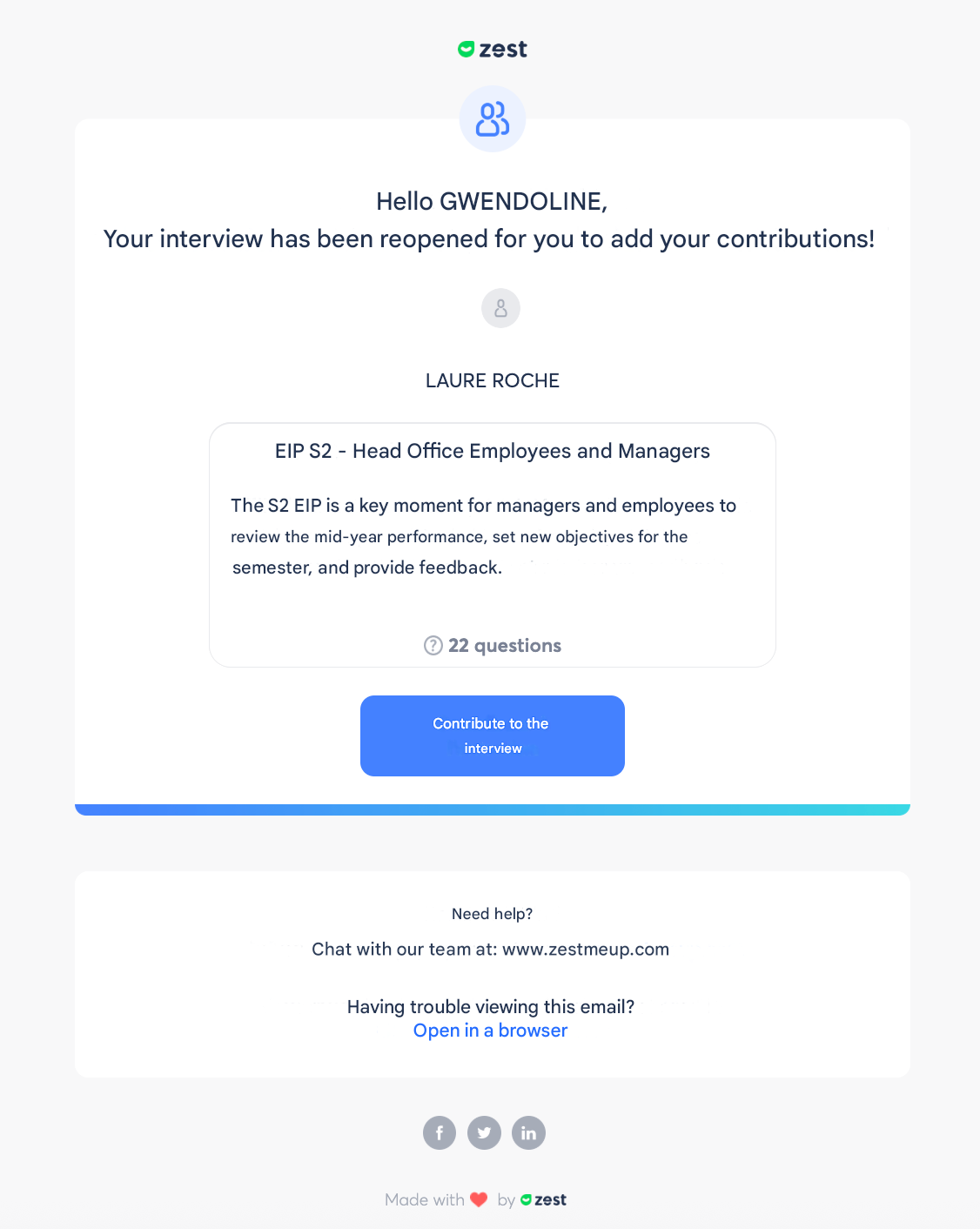
| 6 | When a period is reopened | Only those who have not yet responded/contributed are notified of the reopening | Immediate email (if enabled) + app notification |
| 7 | Manual reminders sent by the review creator | Only people who have not yet completed their action during the relevant period (e.g., response period: employees who have not responded; contribution period: contributors who have not contributed) | Immediate email (if enabled) + app notification |