❓ Comment créer et évaluer une compétence depuis un entretien ?
Dans Zest, les entretiens permettent non seulement d’évaluer les compétences existantes mais aussi d’en créer de nouvelles directement pendant le processus.
🚩 Configuration admin
Le créateur de l’entretien doit intégrer la question dédié dans la trame proposée :
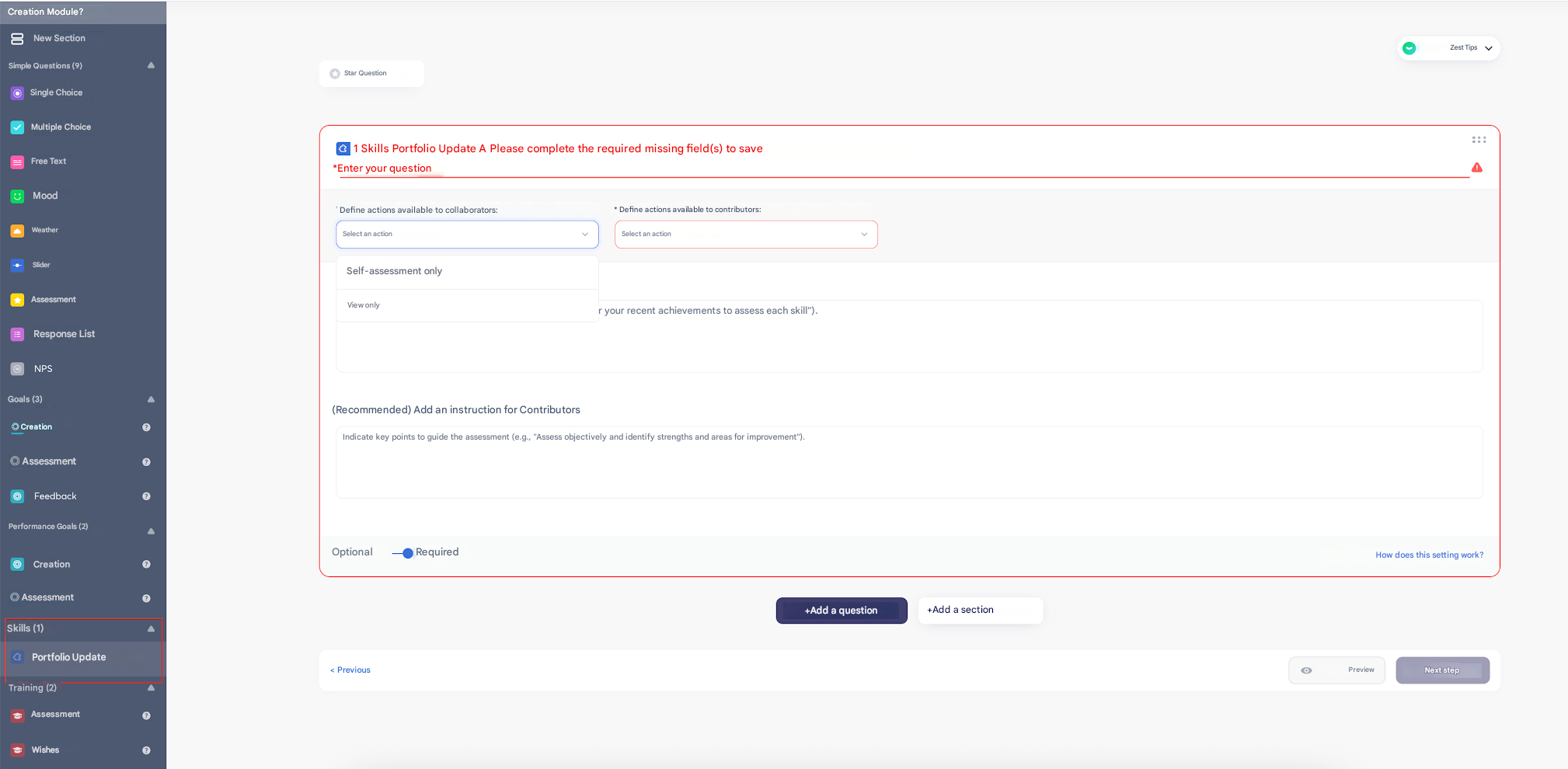
- Define the actions available to Employees
- Define the actions available to Contributors
- Add instructions for Employees and Contributors
🆕 Create a Skill from a Review
Two options are available:
- Creation by the Employee (if enabled in the configuration)
- The Employee can propose a new Skill during their Review.
- They define the title, description, dates, and optionally a tag.
- This Skill is added to their Skills portfolio.
- Creation by the Contributor (manager/reviewer)
- The Contributor can also create a Skill for the Employee.
- Depending on the configuration chosen by the Review Creator, the Skill:
- can be automatically accepted and added directly,
- or require manual validation by the Employee at the conclusion stage.
📊 Evaluate a Skill in a Review
- The evaluation can be done in two ways:
- Skill Evaluation Question: measures the level on the standard scale (Not measurable → Expert).
- ⚠️ This evaluation is limited to the Review and does not impact the Skill outside of it.
- Skill Progress Question: measures progress as a percentage.
- ✅ This evaluation automatically updates the Skill in the Employee’s portfolio.
- Skill Evaluation Question: measures the level on the standard scale (Not measurable → Expert).
⚠️ Important points
- The question type selected during configuration determines whether the evaluation impacts the “real” Skill or remains linked only to the Review.
- Managers can comment on and track created or evaluated Skills in exports and on the Skills page.
- Employees are notified when a Skill is assigned to them from a Review.