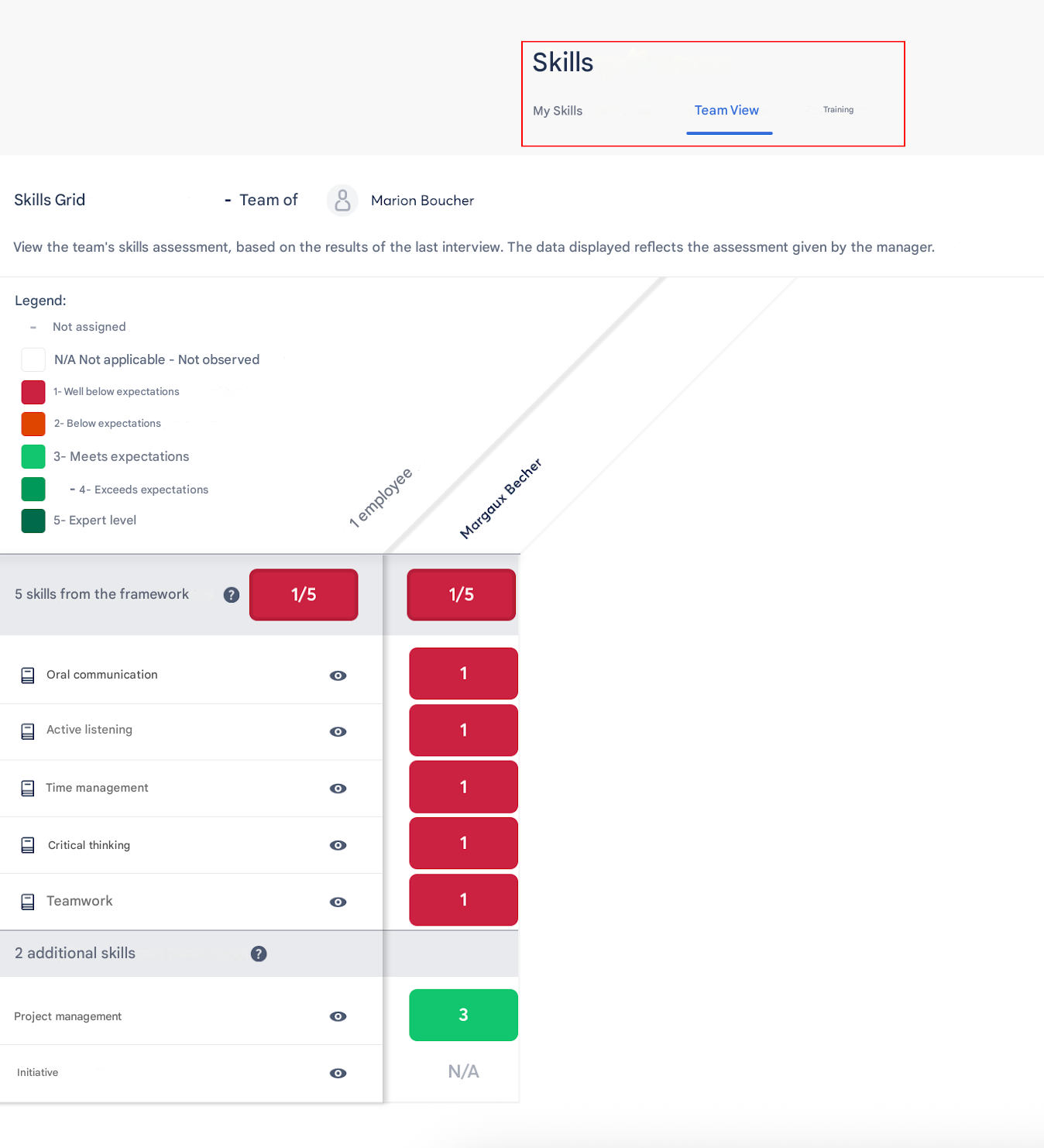
❓ How to view your Skills portfolio in Zest?
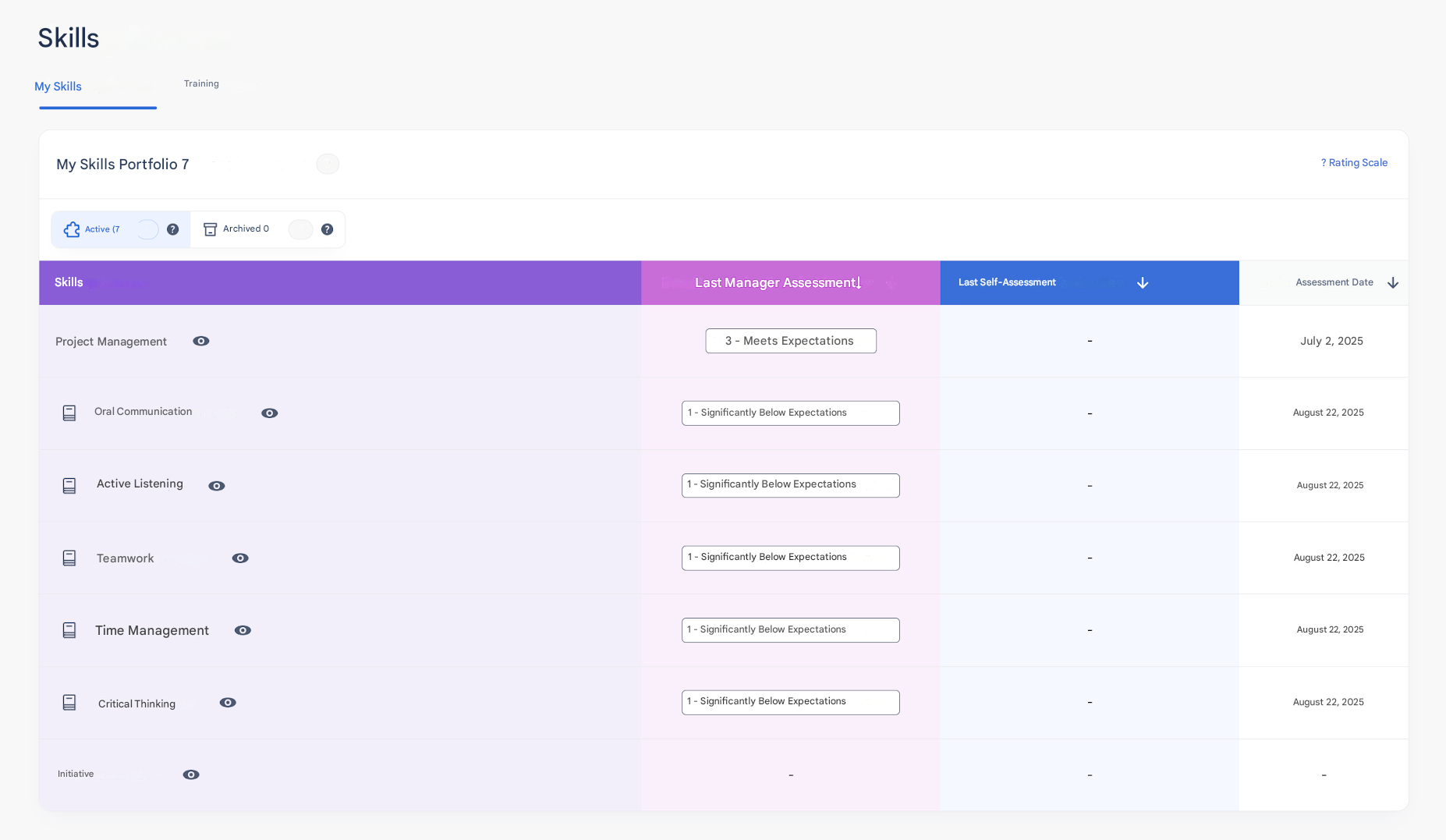
Each Employee has a Skills portfolio accessible from the Skills feature.
This space brings together all the Skills assigned to them (through import, preloading, or creation during a Review).
👤 Employee side
- The Employee can find the list of their Skills with:
- The title and description of each Skill,
- Its status (upcoming, in progress, completed),
- Its level or progress (depending on the defined scale),
- Any comments left during evaluations.
- They can track the evolution of their Skills over time and, depending on the enabled permissions, add or share certain Skills.
👥 Manager / Contributor side
- Managers and Contributors, depending on their visibility scope, can view the Skills portfolio of their direct and indirect Employees.
- This allows them to track progress, support development, and prepare evaluation Reviews.