❓ How to leave a project in Zest?
🔎 Who can leave a project?
- An Employee can remove themselves from a project.
- An Admin or the Project Creator can also remove an Employee if necessary.
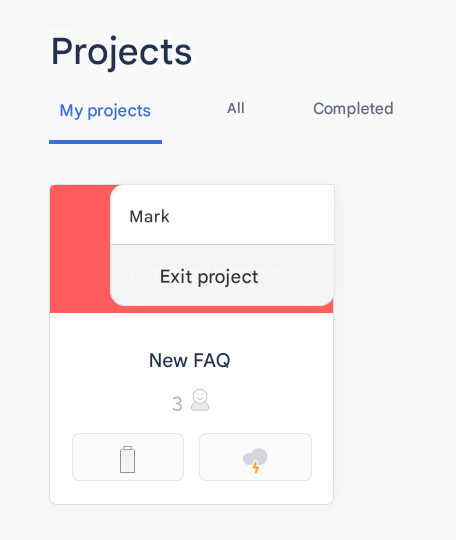
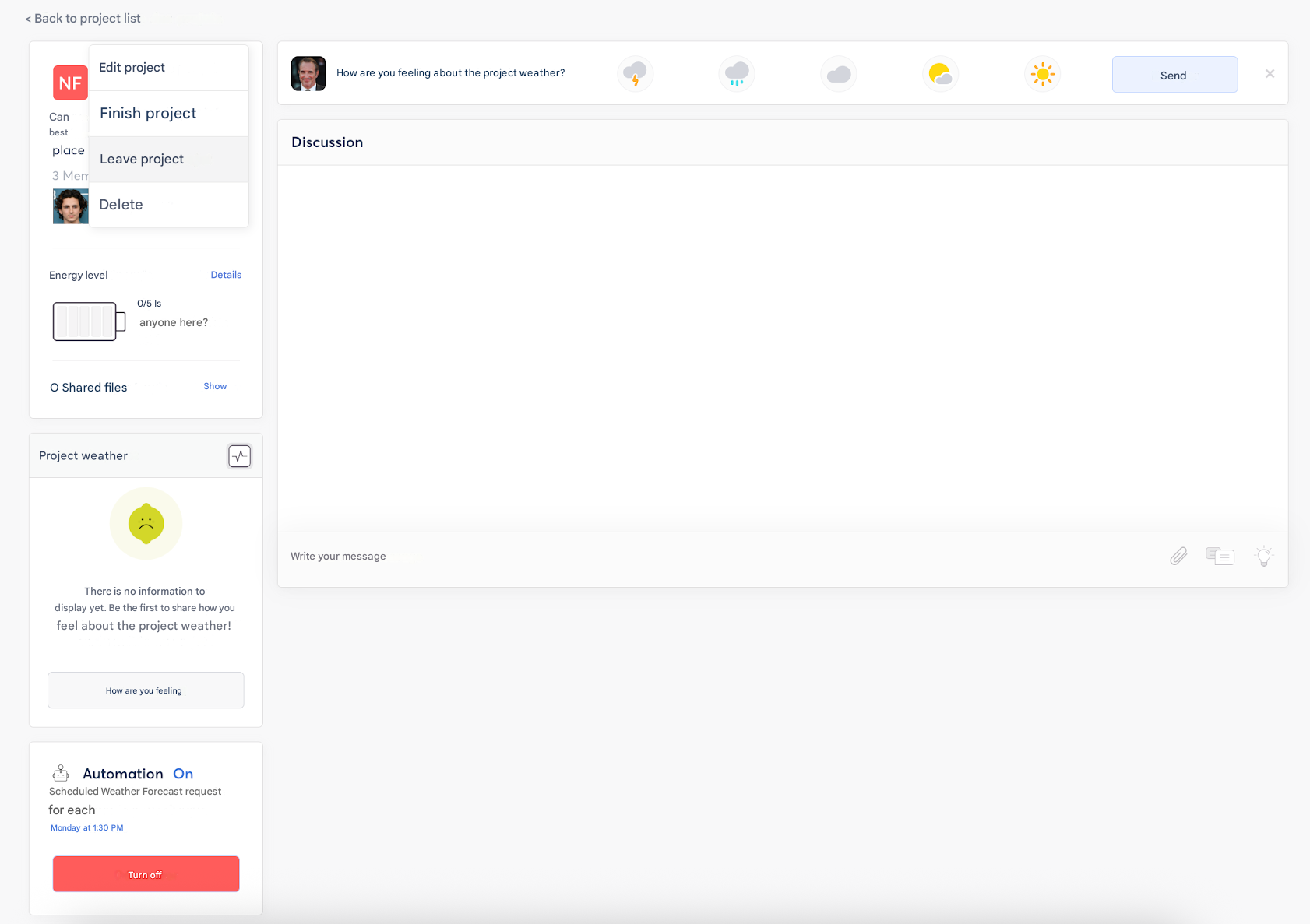
🚀 Steps to leave a project
- Open the “Projects” tab in Zest.
- Access the relevant project.
- Click on the “…” menu (options).
- Select “Leave the project”.
- Confirm.
✅ Effects of leaving
- The Employee no longer receives notifications related to the project.
- Their name disappears from the participants list.
- The history of their contributions remains visible to the other project members.
Was this page helpful?