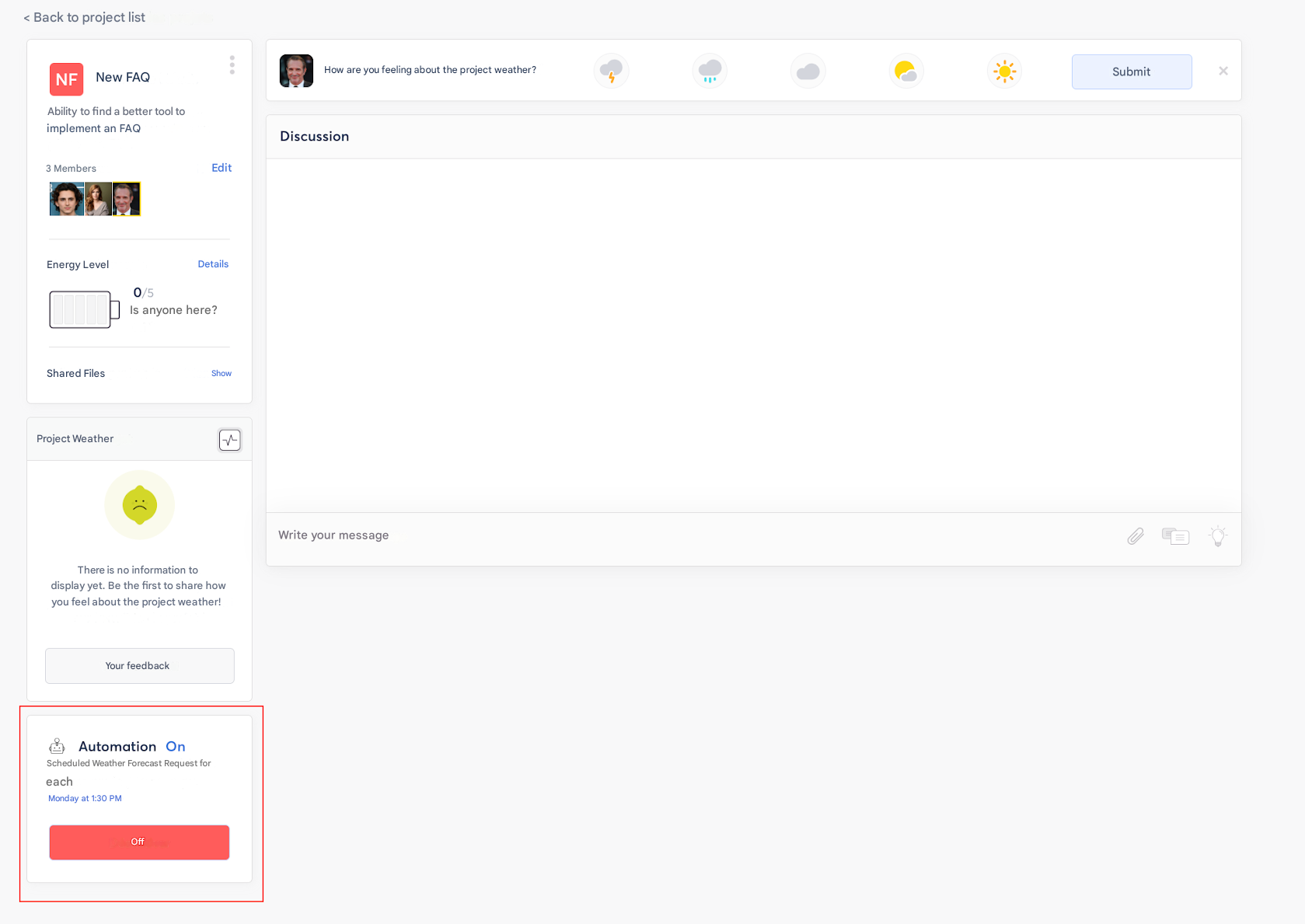
❓ How to automate mood tracking on a project in Zest?
🔎 Who can enable automation?
Only the Project Creator or an Admin can configure mood automation.
🚀 Steps to automate mood tracking
- Go to the “Projects” tab.
- Open the relevant project.
- Click on the project.
- Enable the “Automate mood tracking” option at the bottom left.
- Define the sending frequency (for example: every week, every 2 weeks, every month).
- Confirm the configuration.
✅ Effects of automation
- All project members will automatically receive a request to share their mood according to the selected frequency.
- The results will be visible in the project’s “Mood” tab, allowing regular and simplified monitoring.