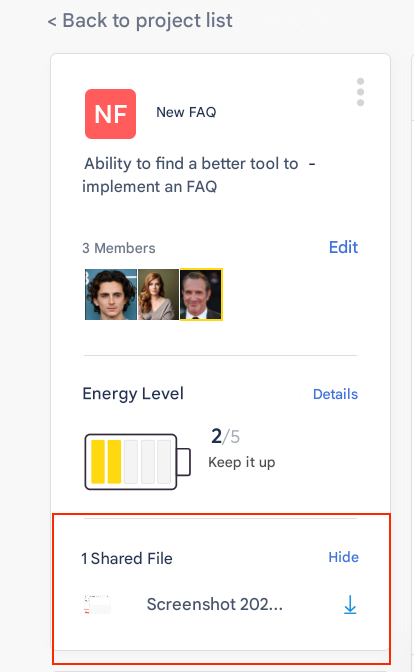
❓ How to view shared files in a project in Zest?
🔎 Who can view the files?
All project members (Employees, Contributors, Creator) can view the files shared in that project.
🚀 Steps to view the files
- Go to the “Projects” tab.
- Open the relevant project.
- Click on the “Files” tab.
- Browse the list of documents shared by project members.
✅ What you need to know
- Files are visible only to project members.
- Documents remain available as long as the project is active.
- The Creator or an Admin can delete a file if necessary.