❓ How to manage a project: add or edit members and project administrators?
🔎 Who can do this?
- The Project Creator
- The project administrators
🚀 Add a member
- Open the “Projects” tab.
- Select the relevant project.
- Go to the “Members” tab in the left sidebar.
- Click “Add a member”.
- Search for the person using their name or email address.
- Confirm to add them to the project.
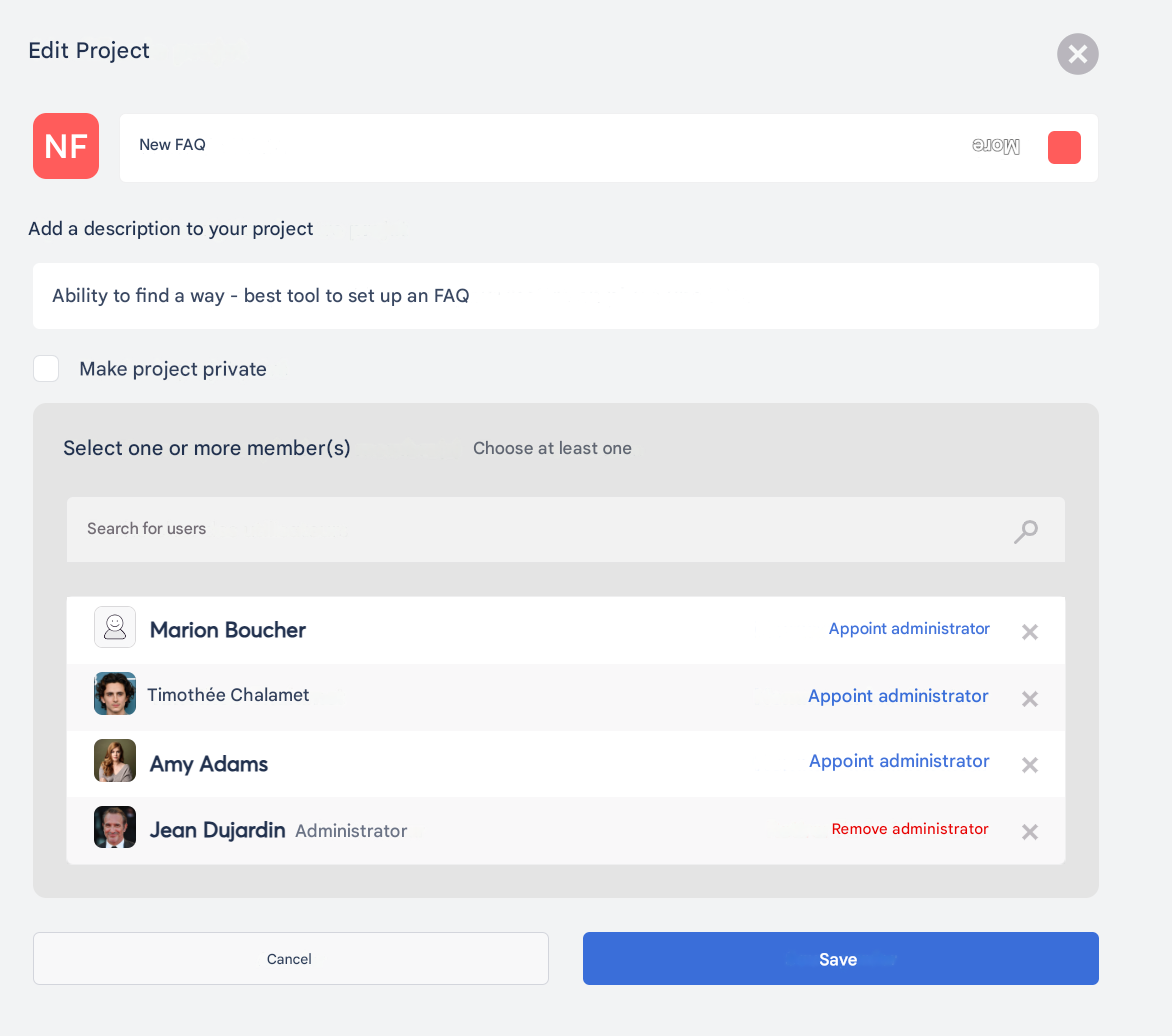
🛠 Edit roles
- From the project members list, select the relevant person.
- Click “Make administrator” or “remove administrator”
- Save the changes.
🗑️ Remove a member
- In the members list, click “x” on the right side of the row.
- Confirm the removal.