Zest allows employees to respond to a mood request through multiple channels, adapting to usage and making participation easier.
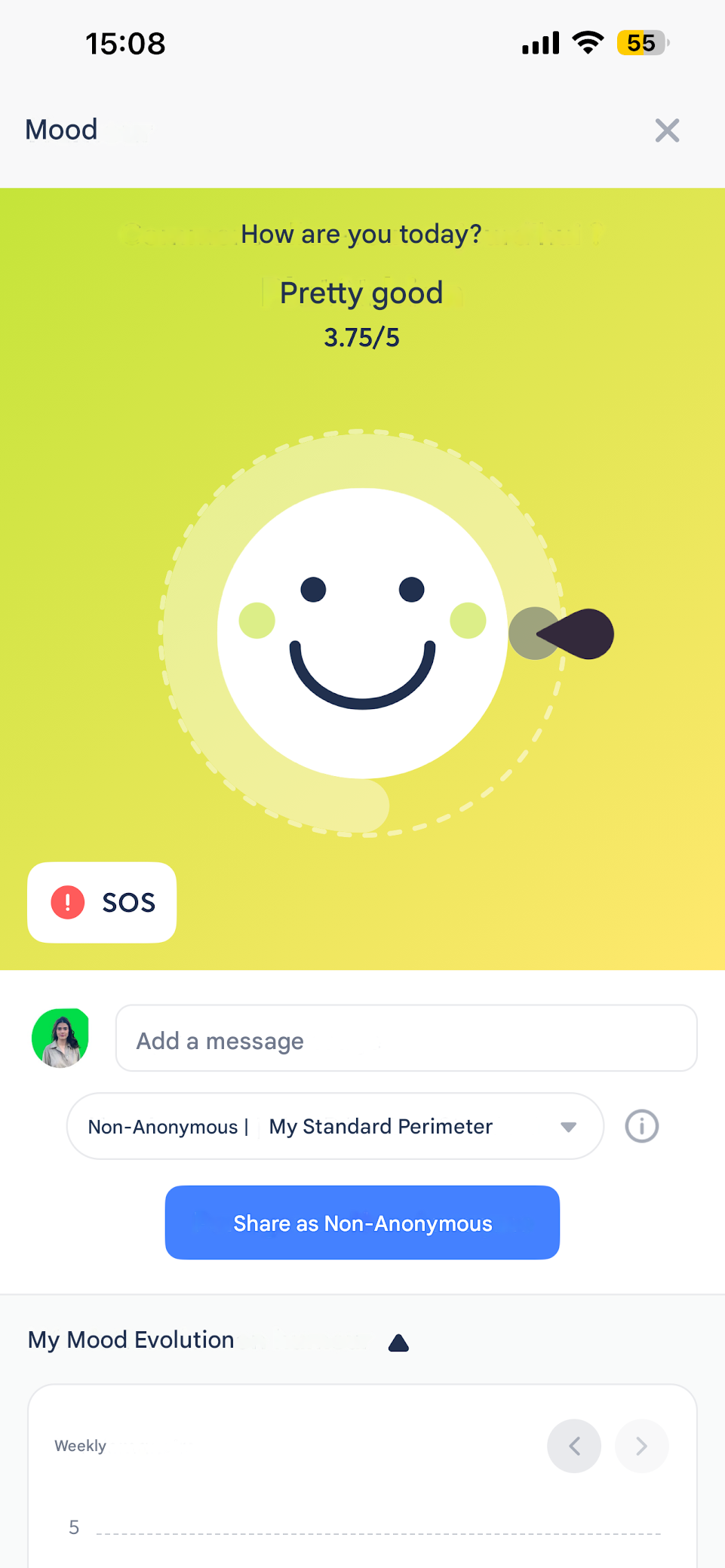
📱 Via the Zest mobile application
- Employees can respond directly from the mobile application.
- A notification is sent (if enabled), redirecting to the app.
- The response can be shared anonymously or not, depending on the defined permissions.
💻 Via the Zest website
- By logging into Zest from a browser.
- By accessing the Mood module from the side menu.
- Employees can share their mood spontaneously, at any time.
📧 Via email
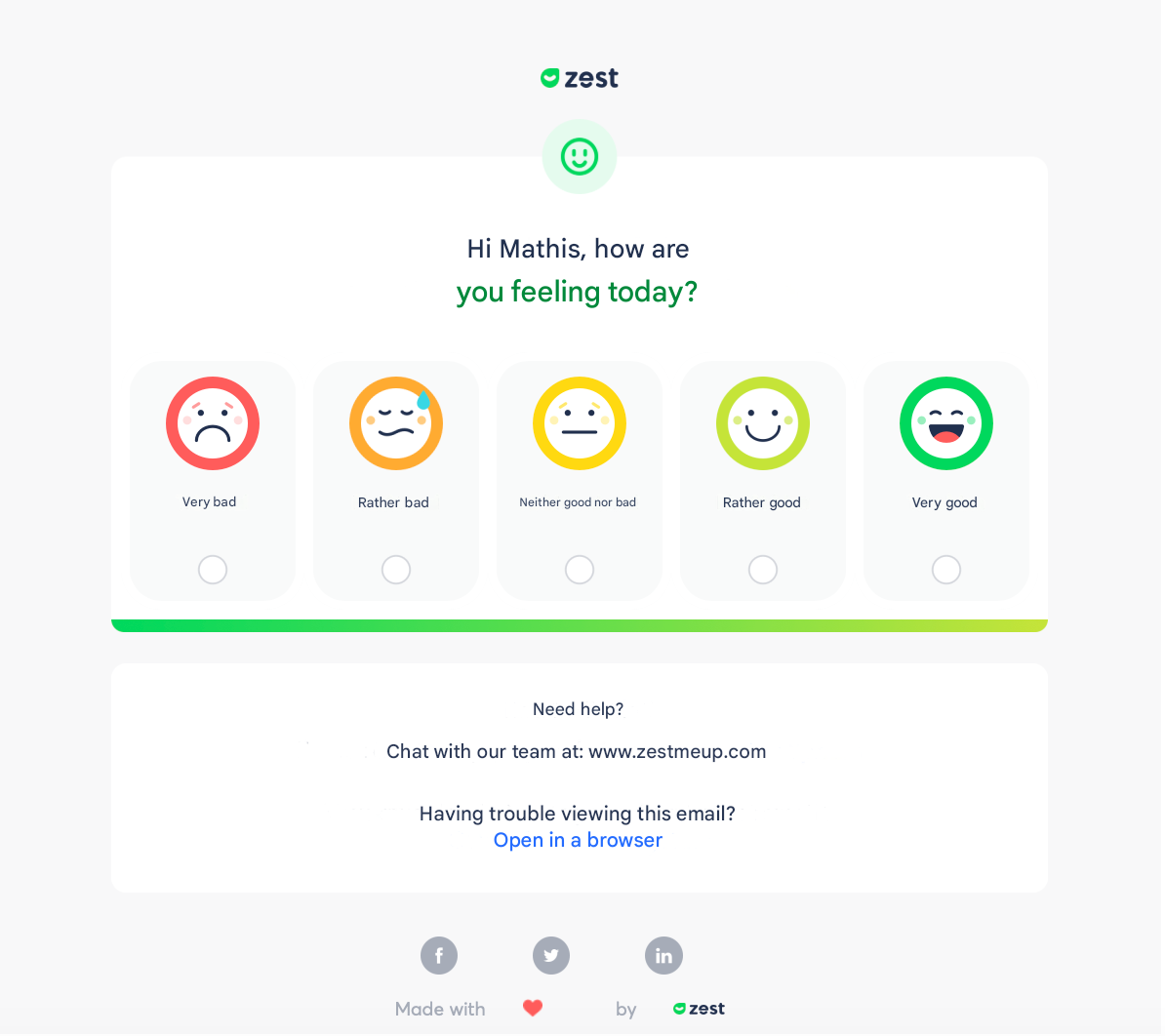
- When mood automation is active, each employee receives a personal and unique email.
- By clicking the link:
- no login is required,
- the employee indicates their mood,
- chooses anonymous or non-anonymous mode,
- adds a comment (if allowed),
- then confirms submission.
⚠️ As the link is personal, it must not be shared.
💬 Via Slack or Microsoft Teams (if integrations are configured)
If your company has enabled the Slack integration or Microsoft Teams and set up mood automation, employees can also respond through these channels.
- The mood request is sent directly in Slack or Teams.
- The employee can click the notification to:
- access the request,
- indicate their mood,
- choose anonymous or non-anonymous mode,
- then submit their response.
👉 This channel is particularly suitable for teams highly active on collaborative tools.
🧭 Key takeaways
- Available channels are:
- mobile application,
- website,
- email,
- Slack,
- Microsoft Teams (if integrations are active).
- The response experience is consistent across all channels.
- Using multiple channels significantly increases the participation rate.
🔗 To go further
👉 To learn how to respond concretely to a mood request, see the article: How Do Employees Share Their Mood?