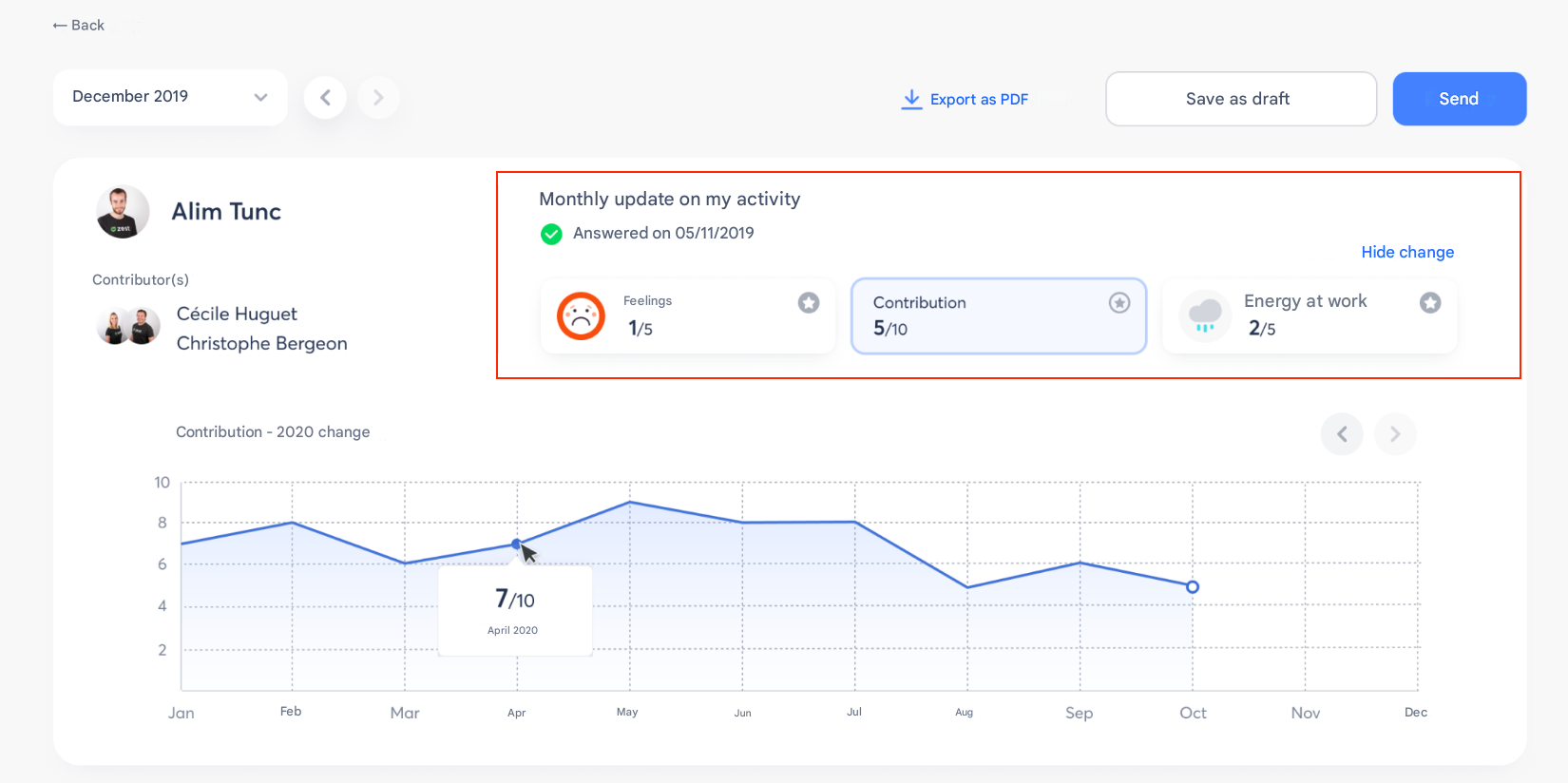
Use Star Questions ⭐
✨ What is a Star Question?
A Star Question is a highlighted question within a review.
It provides greater visibility to an important topic (for example, an eNPS question, weather check, or follow-up point).
⇒ You can mark up to 3 questions as Star Questions per review among mood, weather, slider, rating, and scale questions.
🎯 Why use Star Questions?
- To more easily track key strategic topics.
- So that these questions appear more clearly in dashboards and reports.
- To help managers and employees focus on what matters most.
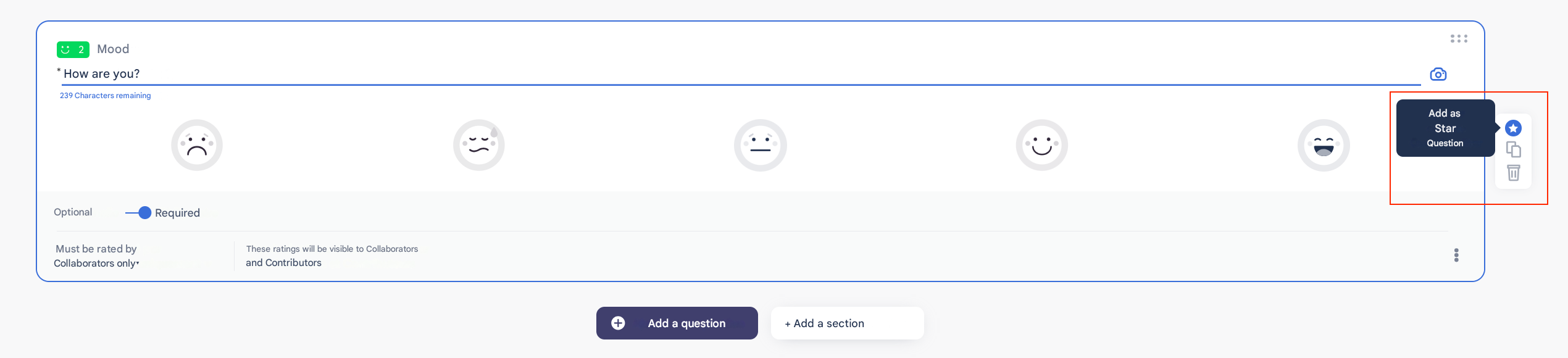
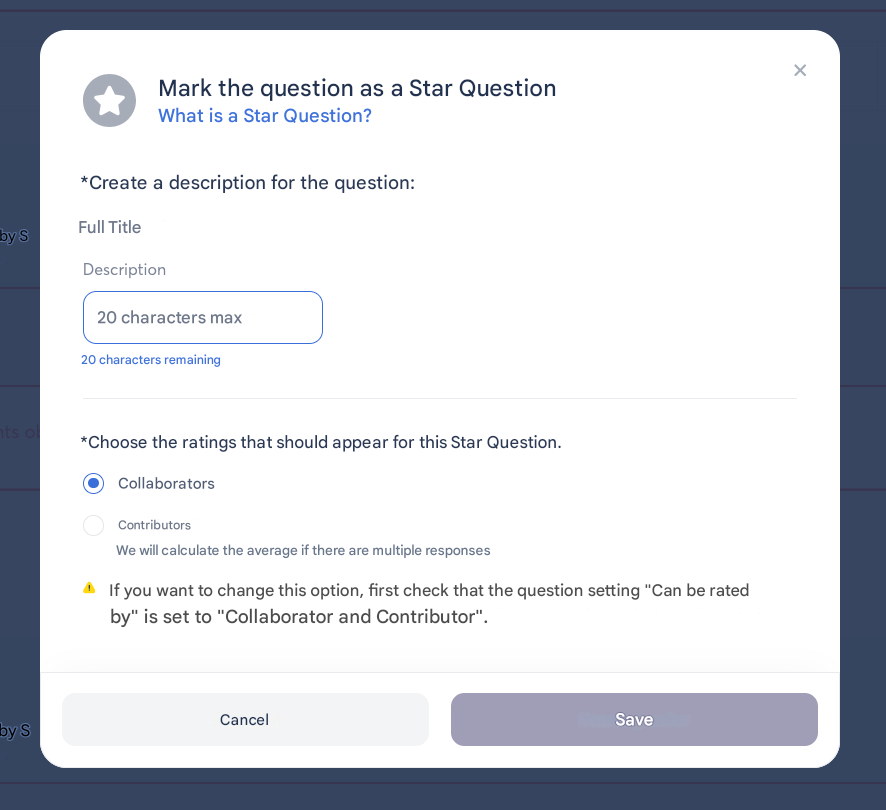
🛠️ How to add a Star Question in a review?
- During review creation, choose the question you want to highlight.
- Enable the “Star Question” option.
- It will then appear in reports and monitoring dashboards.
📊 Where can you view Star Questions?
- In review tracking (web and mobile).
- In reports and exports, where they are highlighted to make analysis easier.
👉 Tip: Use Star Questions sparingly so they retain their value (limit them to key topics).