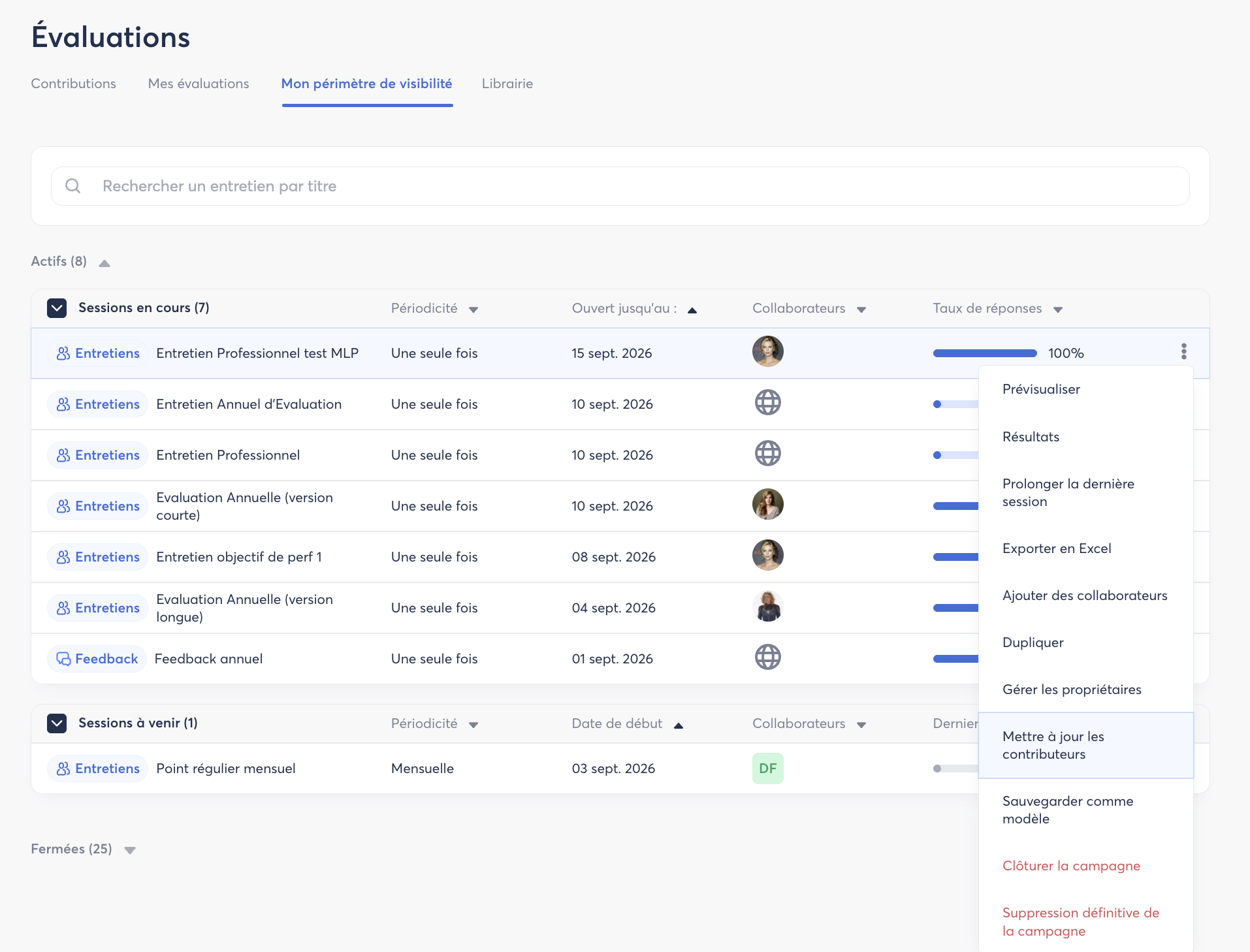
Via the Visibility Scope
This feature allows you to update contributors in bulk when significant changes have been made to the database during an ongoing campaign.
If your SmartOrg changes after the campaign has been launched, particularly when a manager changes, the contributors initially assigned to the reviews may not be updated automatically.
The “Update contributors” action allows you to force an update of the contributors so that the new reporting relationships defined in SmartOrg are taken into account.
💡 Good to know: This feature is particularly useful when a manager changes during an ongoing campaign and reviews need to be reassigned to the new manager.
Individually
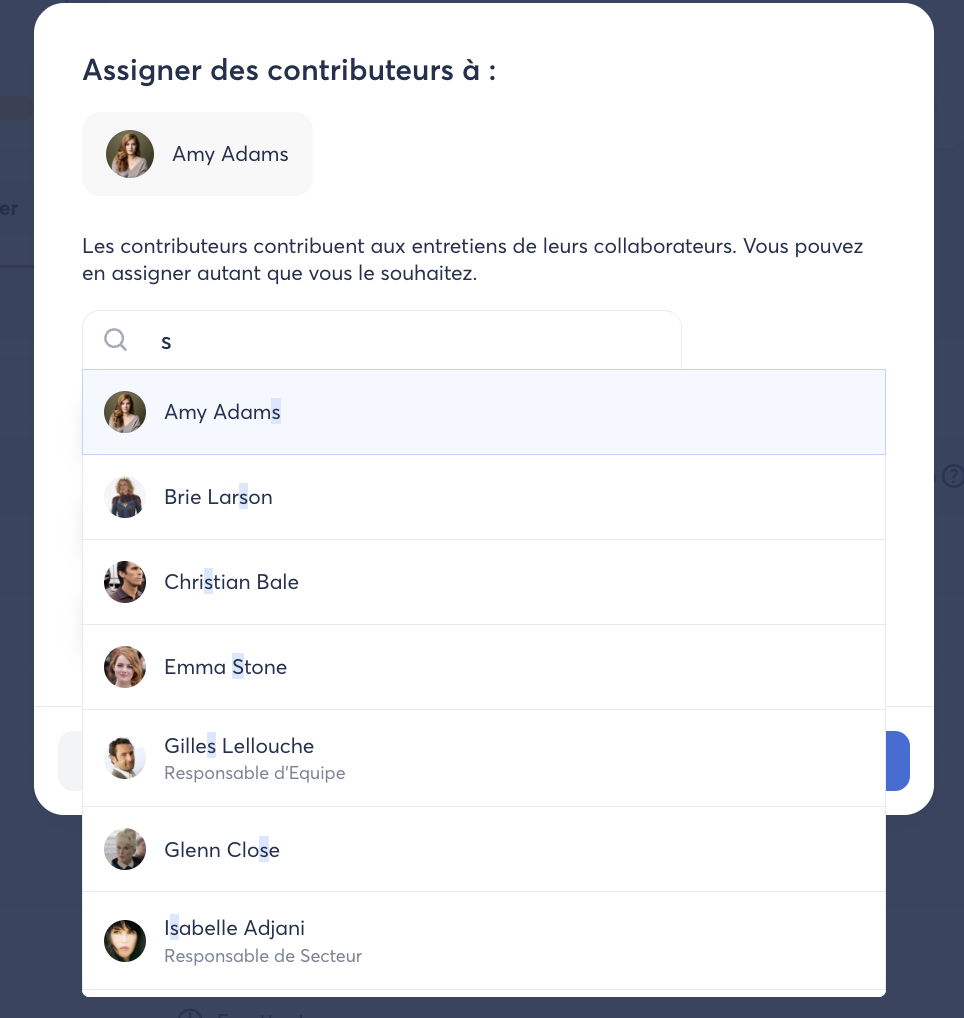
It is also possible to manually update contributors individually for each employee.
💡 Example: A manager is on sick leave or vacation during the campaign and needs to be temporarily replaced for an employee’s review.
In this case, you can make the change directly from the ongoing campaign by clicking on the three dots ⋮ to the right of the employee’s row, then selecting the option to assign a new contributor.