📊 View survey responses: Employee & Manager experience
In Zest, viewing survey responses depends on the user’s role and the settings defined when creating the survey.
This page details what can be seen by:
- Employees
- Managers, administrators
- Owners & contributors
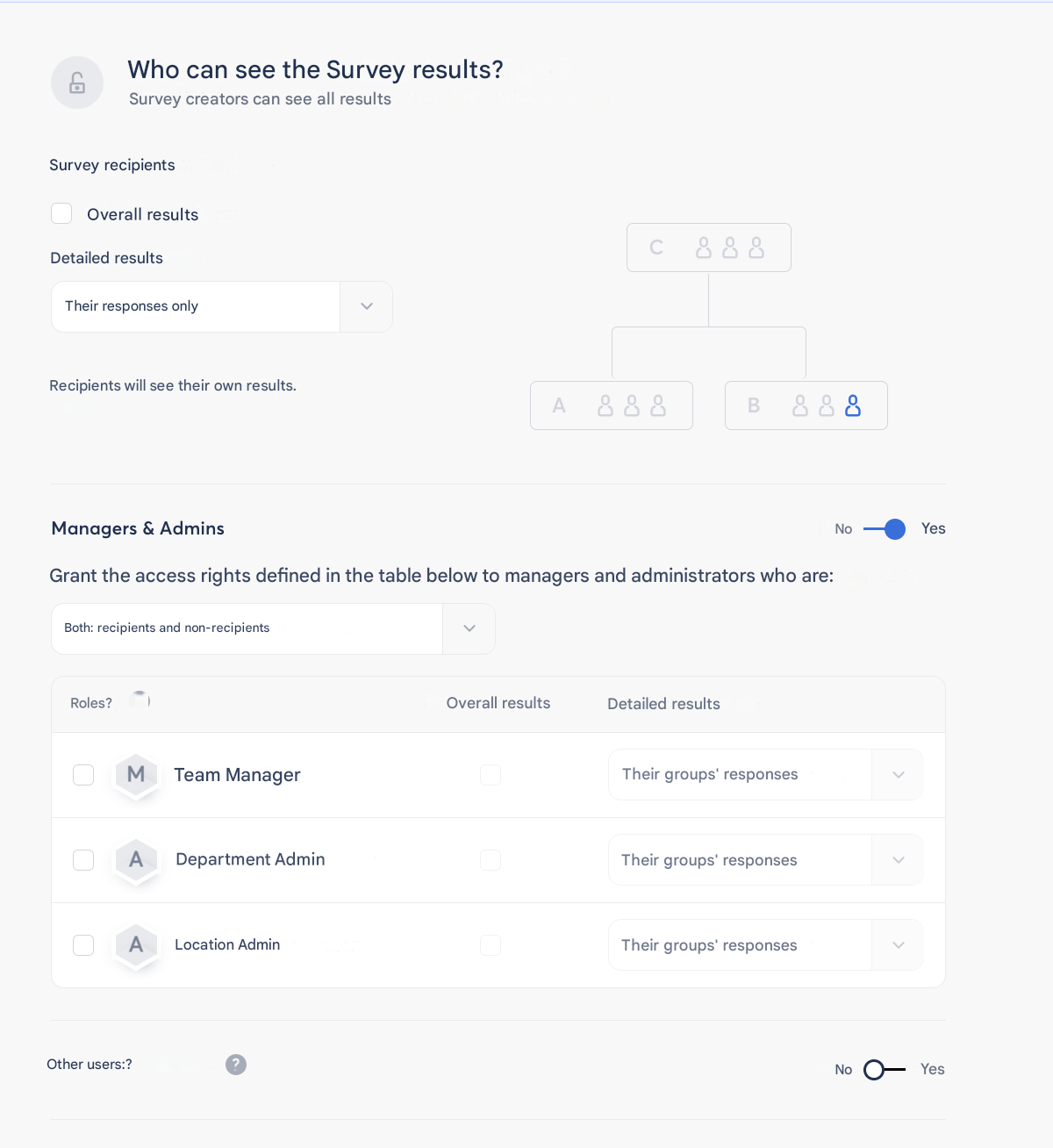
👤 Employee experience
ℹ️ Employees only see the data they are allowed to access.
Their visibility depends on the configuration chosen by the survey creator.
✅ They can view:
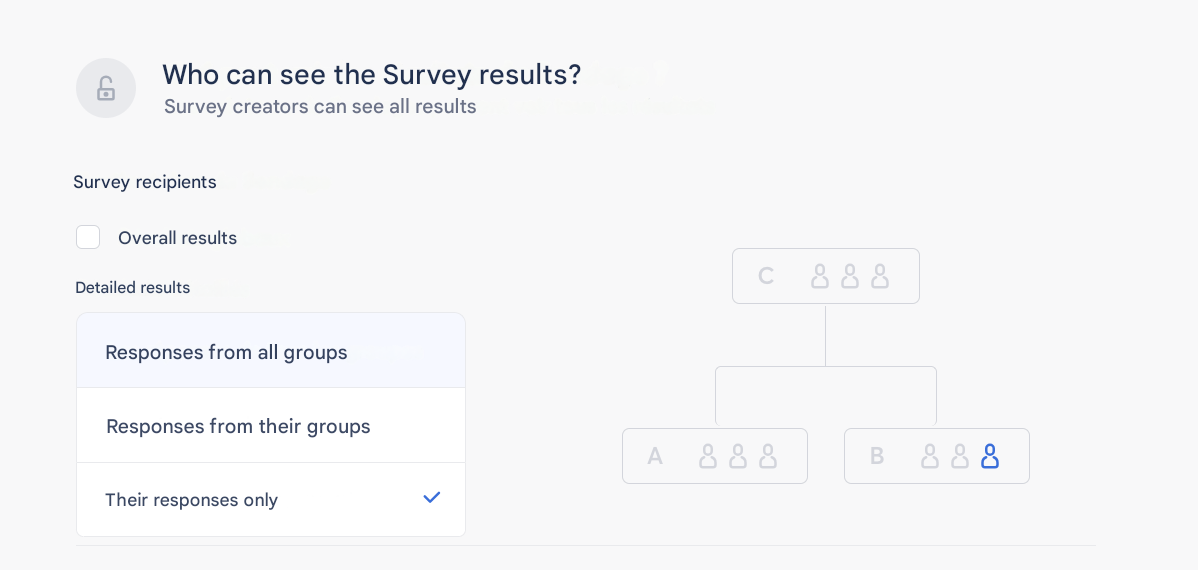
- Their own response
- Global results (if enabled)
- Responses from all groups (if enabled)
- Responses from their groups (if enabled)
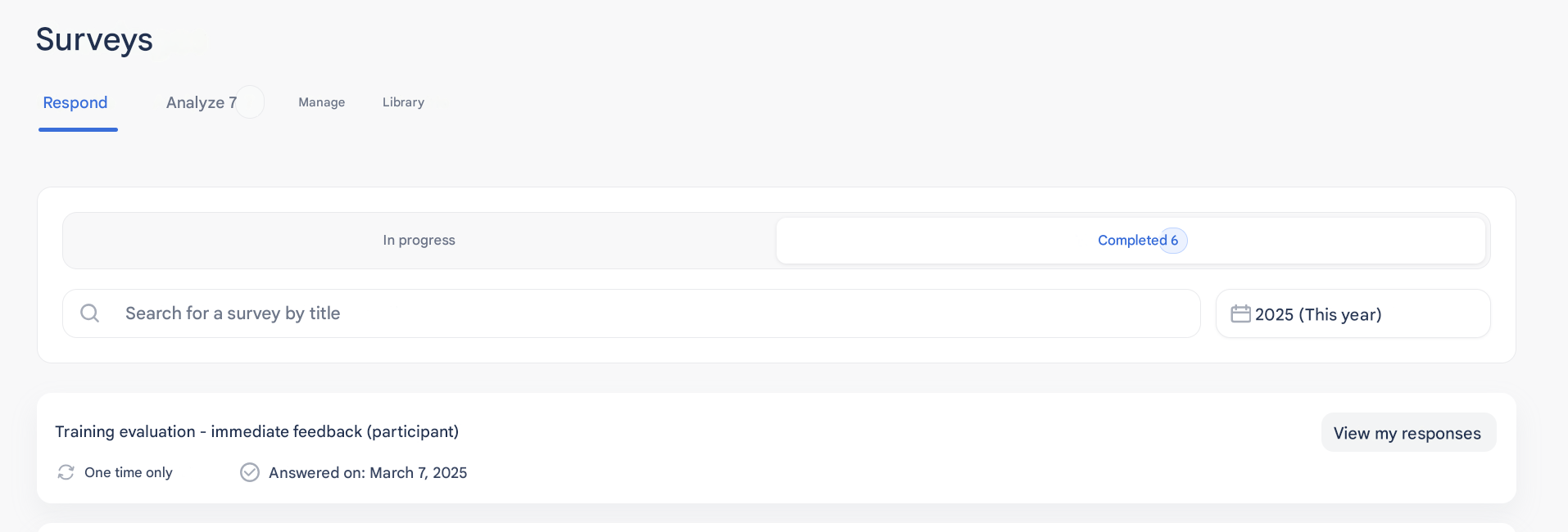
🧭 Where to find this information?
From the “Respond” tab > “In progress” or “Completed” section, once their response has been submitted.
💡 Ideal for strengthening transparency and engagement.
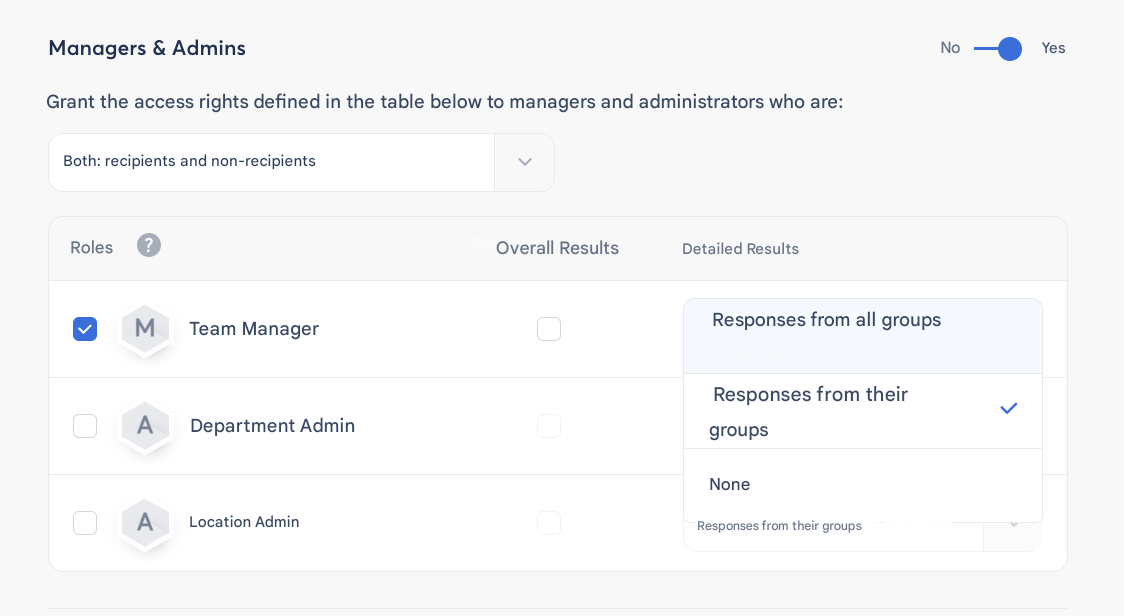
👥 Manager & Administrator experience
ℹ️ If permissions are enabled, managers and administrators can analyze responses within their scope, while respecting anonymity rules.
✅ They can view:
- Their own response
- Team results (if enabled and anonymity threshold reached)
- Results of all groups (if enabled and anonymity threshold reached)
- Open comments from their team (if configured)
🧭 Where to find this information?
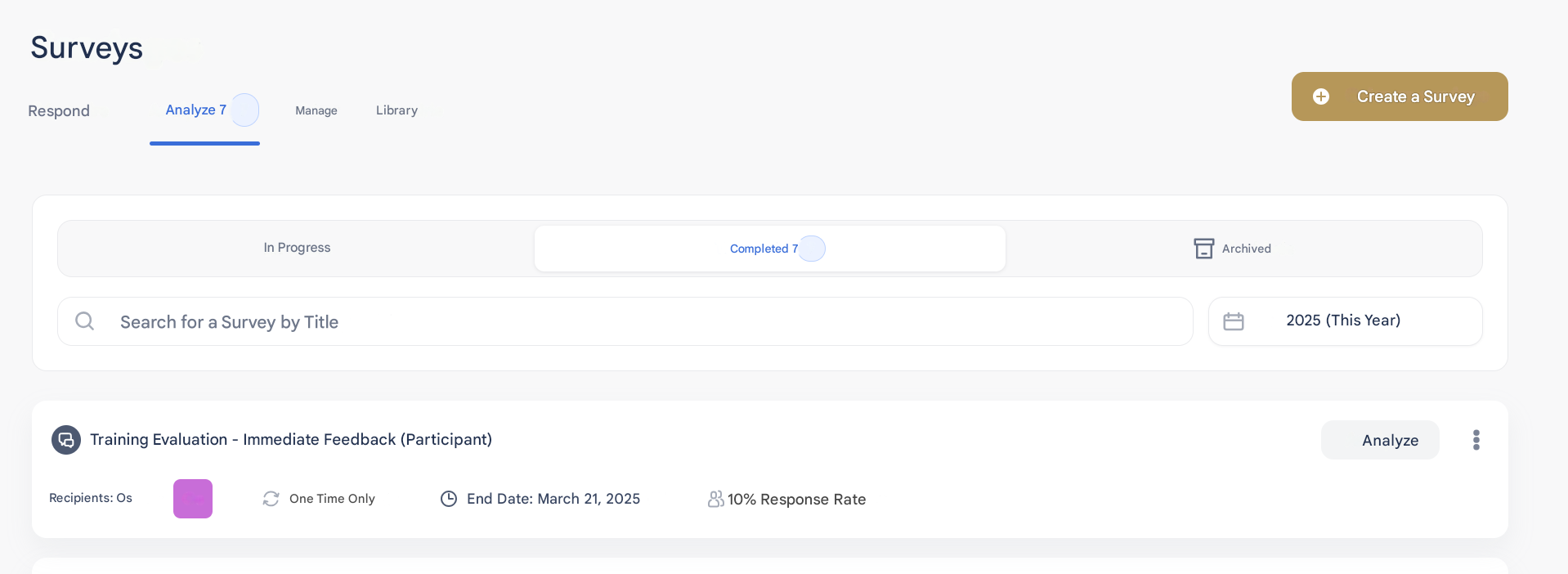
In the “Analyze” tab, once they have been invited to respond to the survey in the “In progress” or “Completed” section.
🔐 Owner experience
ℹ️ Users who created or co-managed the survey have full visibility of the results.
✅ They can view:
- All global and filtered results
- Campaign details (channel, period, participation rate, etc.)
- Comments and verbatims depending on permissions and thresholds
- Evolution of responses (for recurring surveys)
🧭 Where to find this information?
In the “Analyze” tab.
📈 Advanced analysis: leveraging results in depth
Zest allows deeper analysis through several views, depending on your role:
- Global view: summary of results (average score, participation rate, etc.)
- By filter: by department, location, SmartGroups, custom attributes
- Trend view: compare results over time (recurring surveys)
📌 Tip: combine survey results with other Zest features (feedback, goals, people review…) to enrich your understanding of the field.