📊 Results by campaign
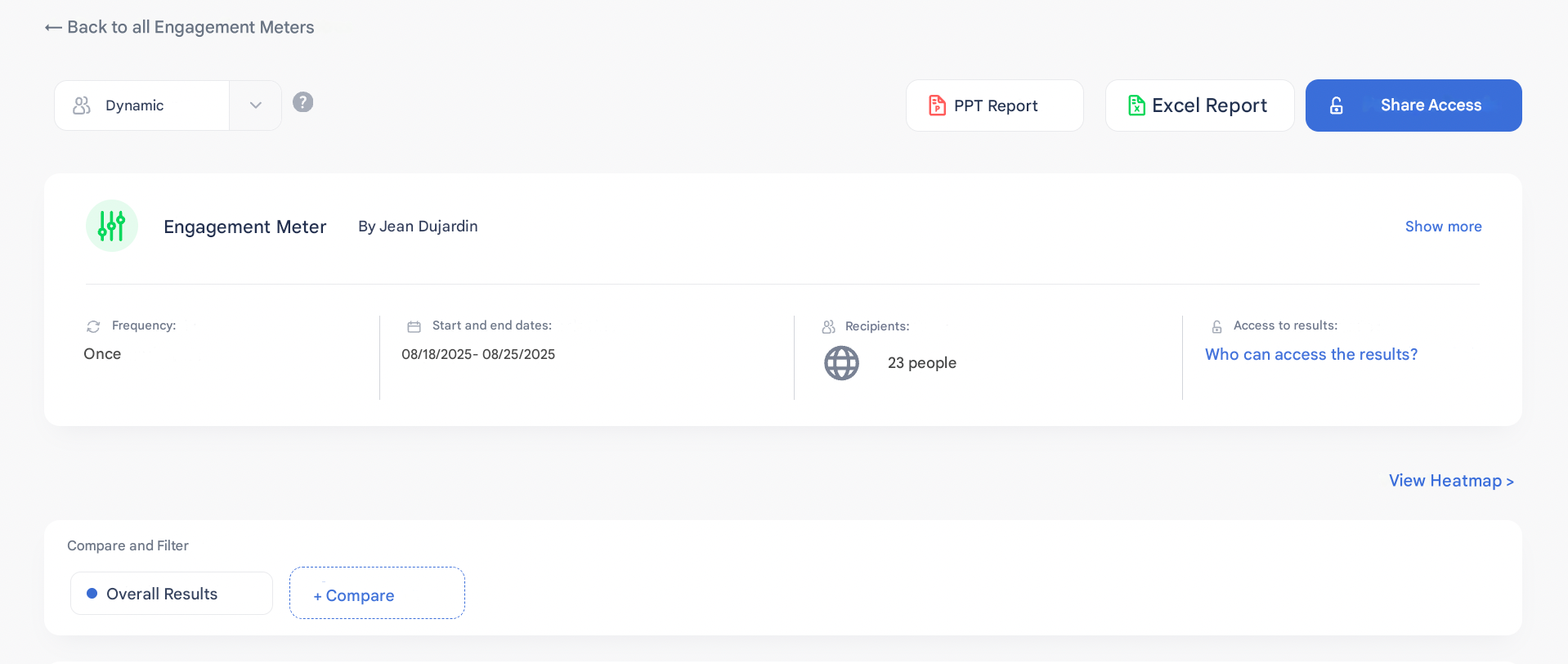
The Results by campaign page allows you to analyze employee feedback at different levels of detail.
👀 Overview & general data
In the overview, you will find:
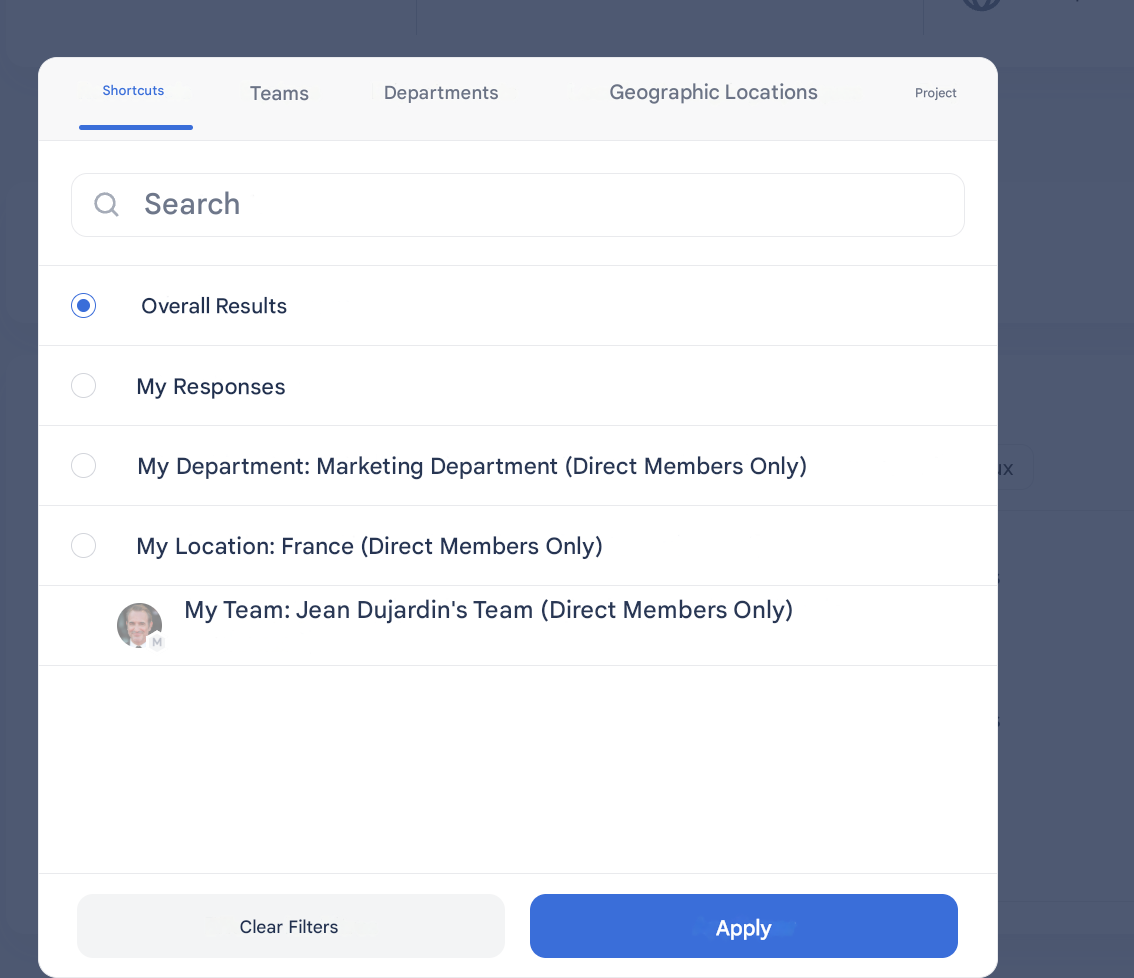
- Filters to analyze and compare up to 4 groups simultaneously.
- Filtering options include:
- Departments
- Location
- SmartGroups
- Managers
- Custom attributes
🔎 Detailed view (by dimension & driver)
When going into detail, you access a more granular view:
- Available filters (up to 4 groups in parallel).
- Current dimension title, with navigation to the next dimension.
- View selection:
- By session
- By evolution (if the campaign is recurring).
- Average responses for each question.
- Associated comments (verbatims).
