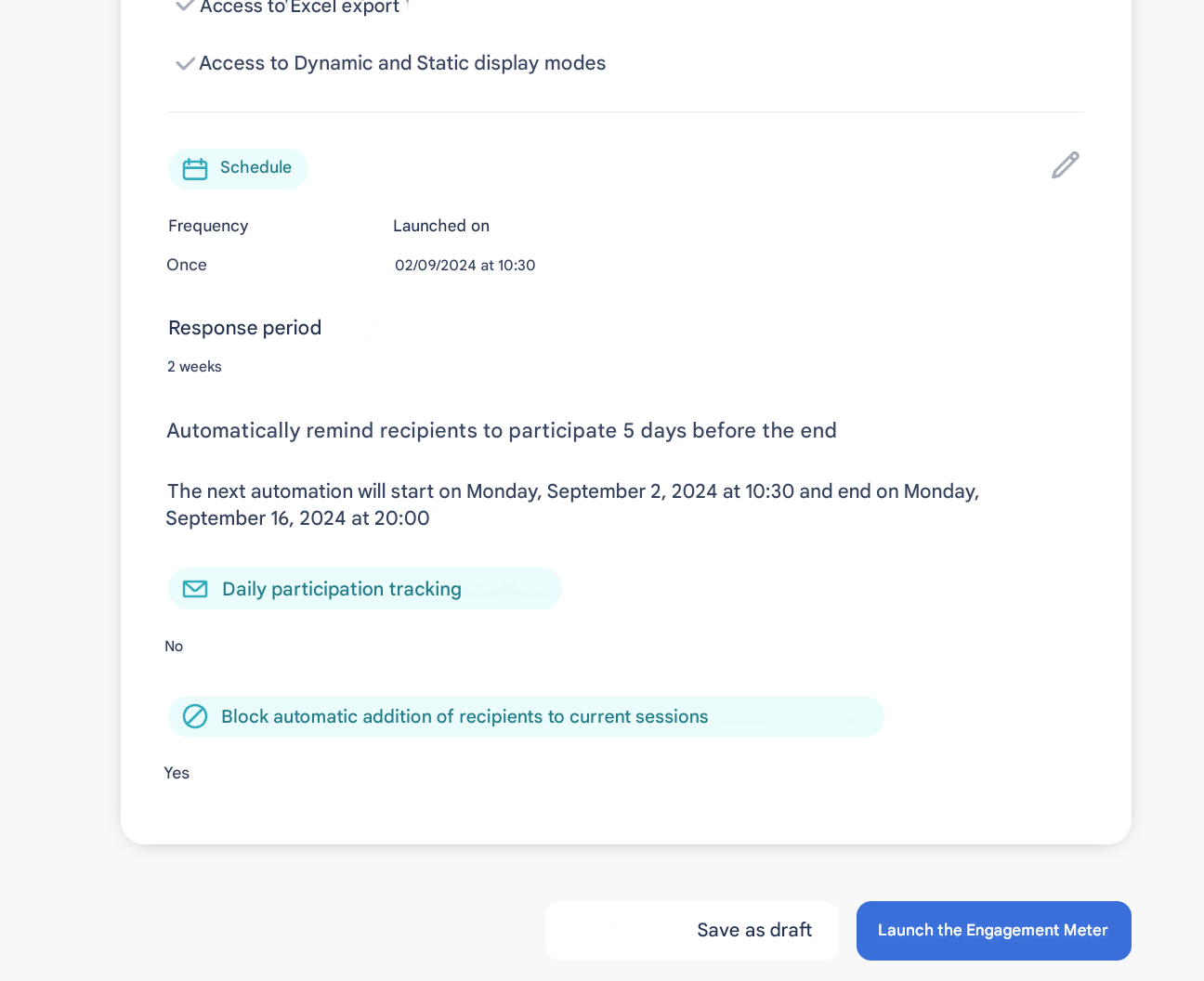
📋 “Summary” step – Final check
🔍 What is this step for?
The Summary tab allows you to:
- ✅ Check all your configurations before launch
- ✏️ Edit quickly using the pencil icons
- 📤 Send a test Engageometer to simulate the employee experience
- 📊 Test analysis and results collection
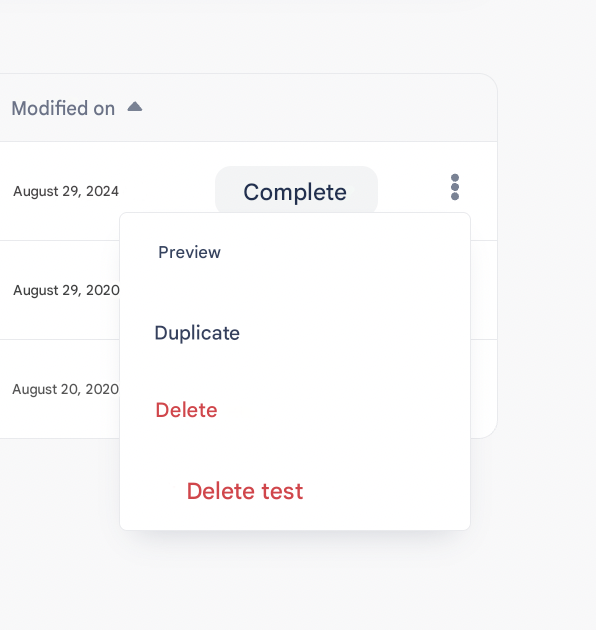
- 🗑 Delete or replace a test before the actual launch
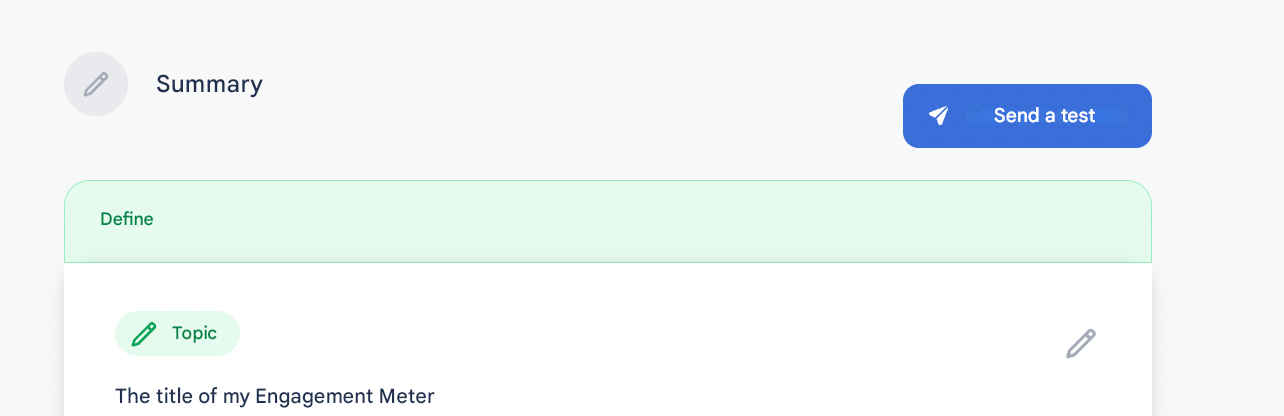
🧪 Test Engageometer
- Sent to one or more employees (named)
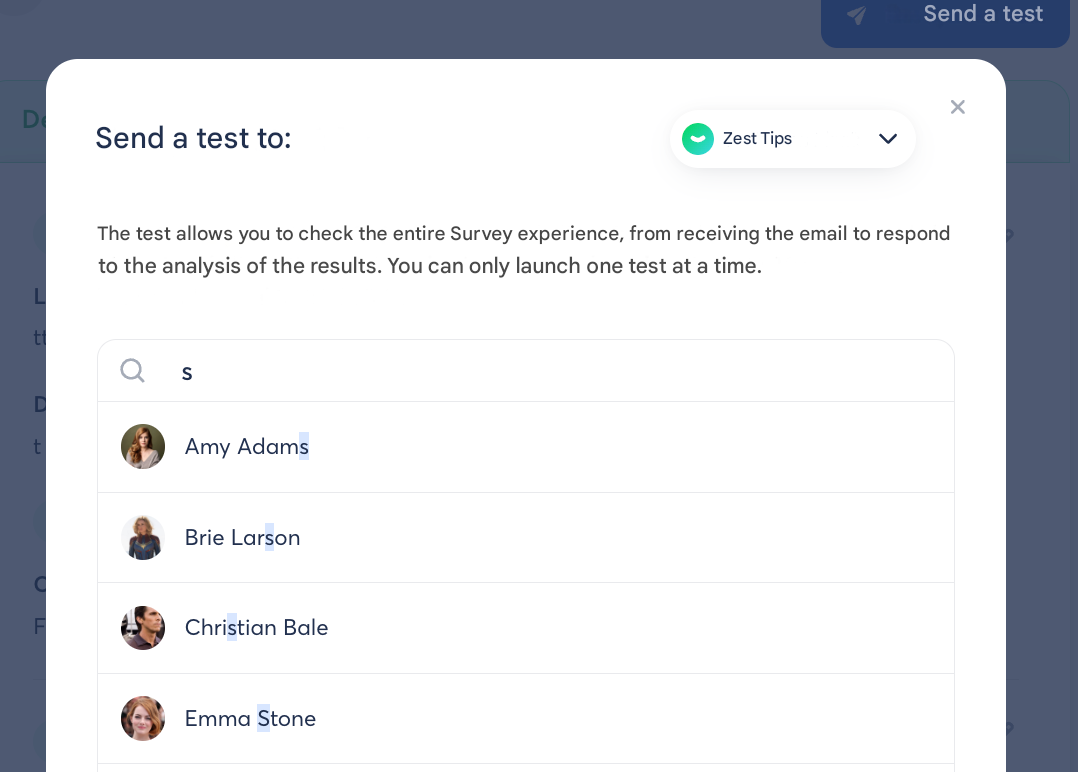
- Received by email + card on the homepage

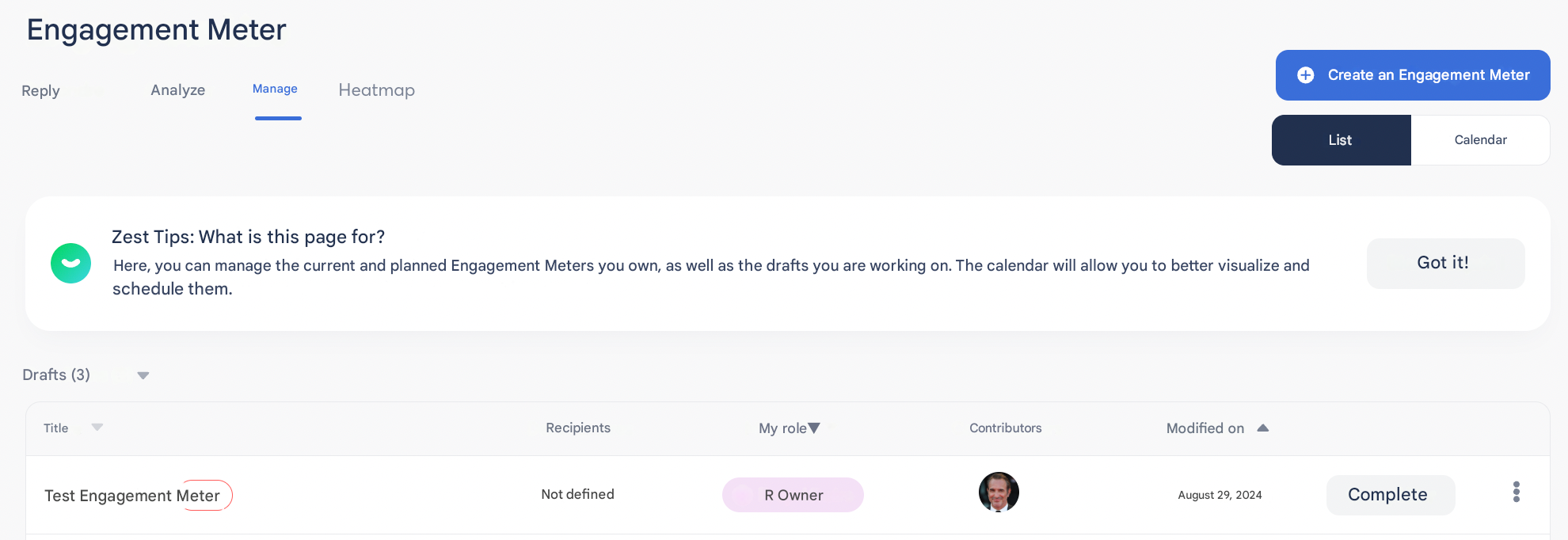
- Ability to experience the employee journey by answering the test
- Tests are visible in the Manage tab, with a Test tag
- ⚠️ To schedule the launch, you must delete the test
💡 Tip
Sending a test to a small group allows you to:
- check how questions are displayed
- adjust texts or translations
- validate the response experience before the official launch 🎯
📌 Once everything is validated:
Click on “Launch the Engageometer” 🚀