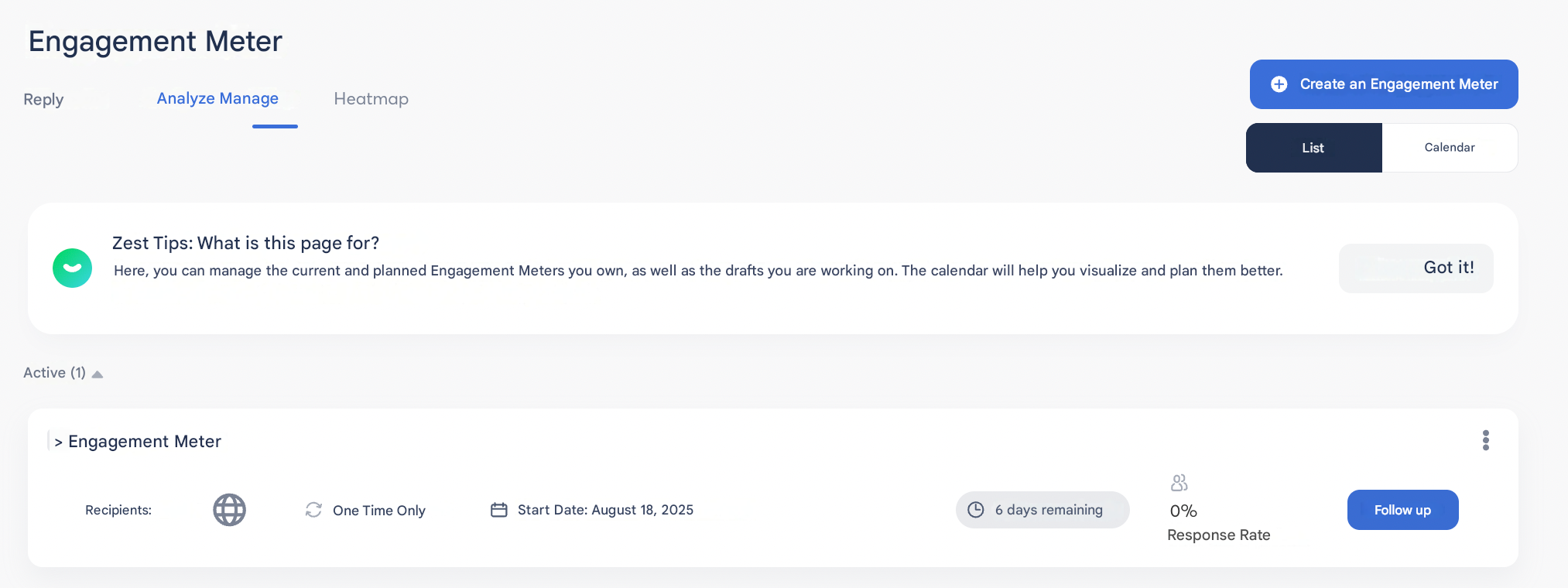
Building and configuring your Engageometer
Sender name
When configuring your campaign, you can choose the name that will appear as the sender in the email:
- use the campaign owner’s name,
- or fully customize it (e.g.: HR Department, Company name, etc.).
👉 This customization helps increase trust and email open rates.
Campaign language
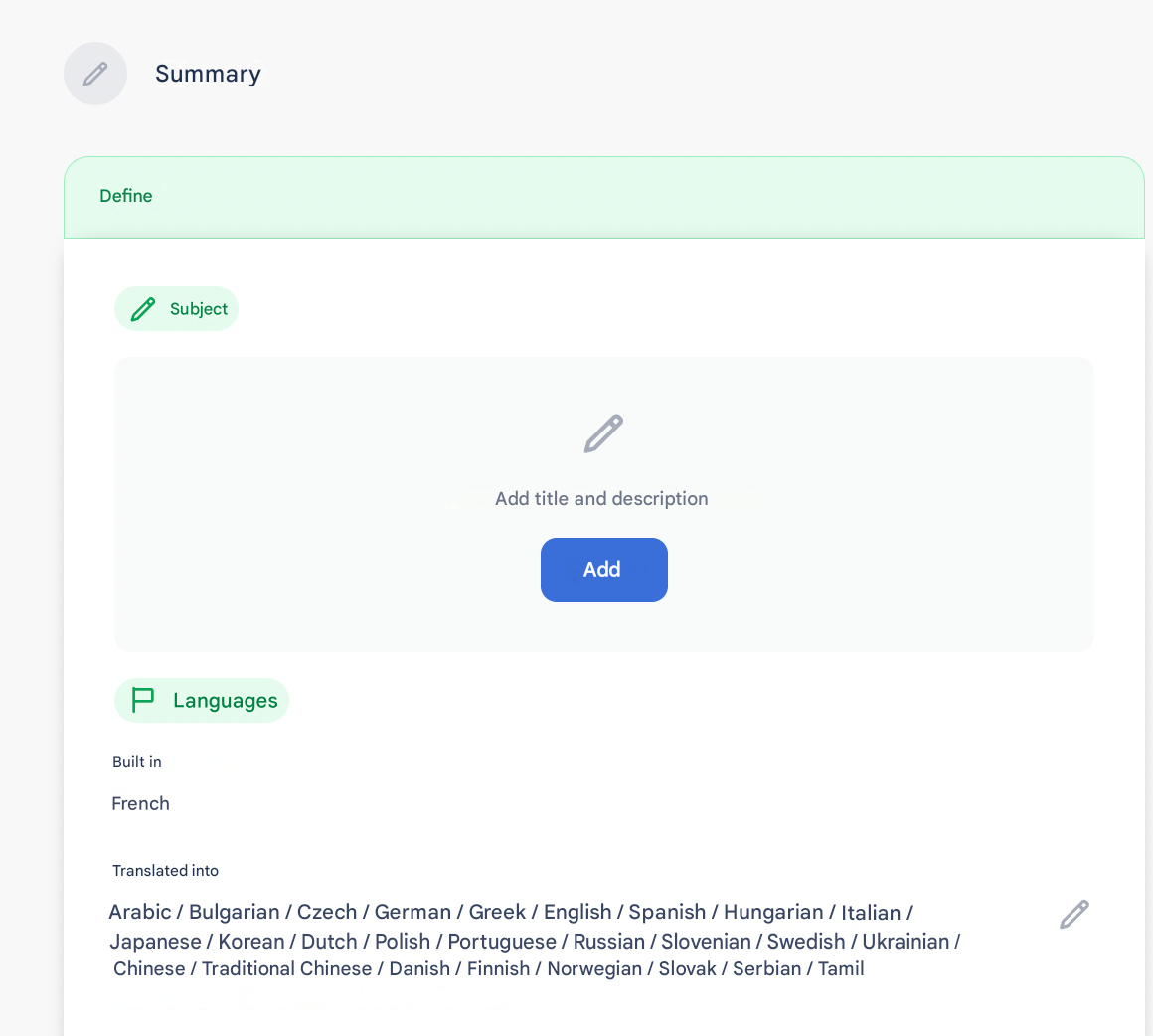
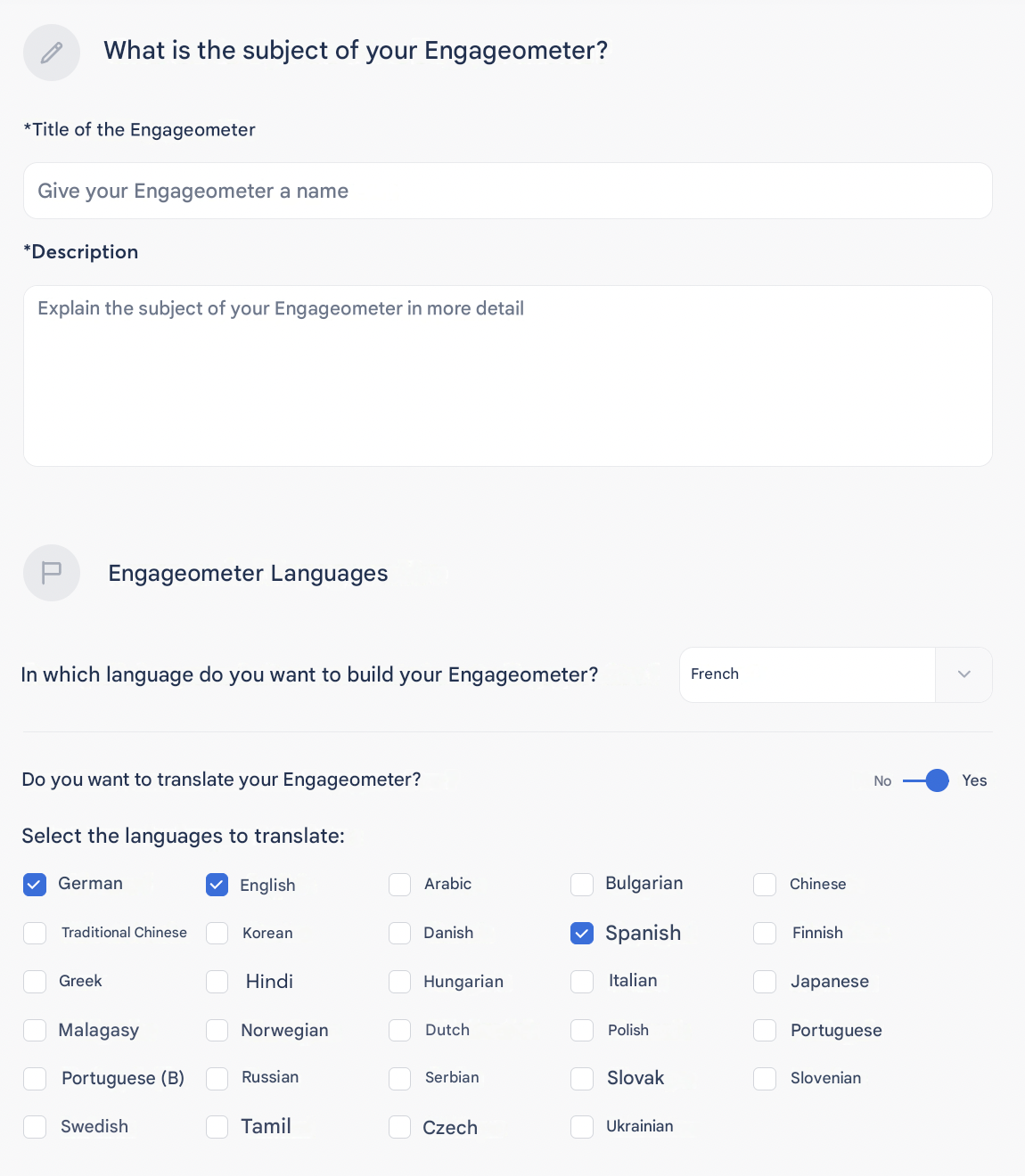
In the “Define” section, click on “Add” in the Subject area to predefine the languages of your Engageometer.
💡 This allows you to adapt communication to the different populations of your Employees.
Frequency and duration
You can configure the sending frequency of your campaign according to your needs:
- One-time
- Weekly
- Monthly
- Quarterly
- Semi-annual
- Annual
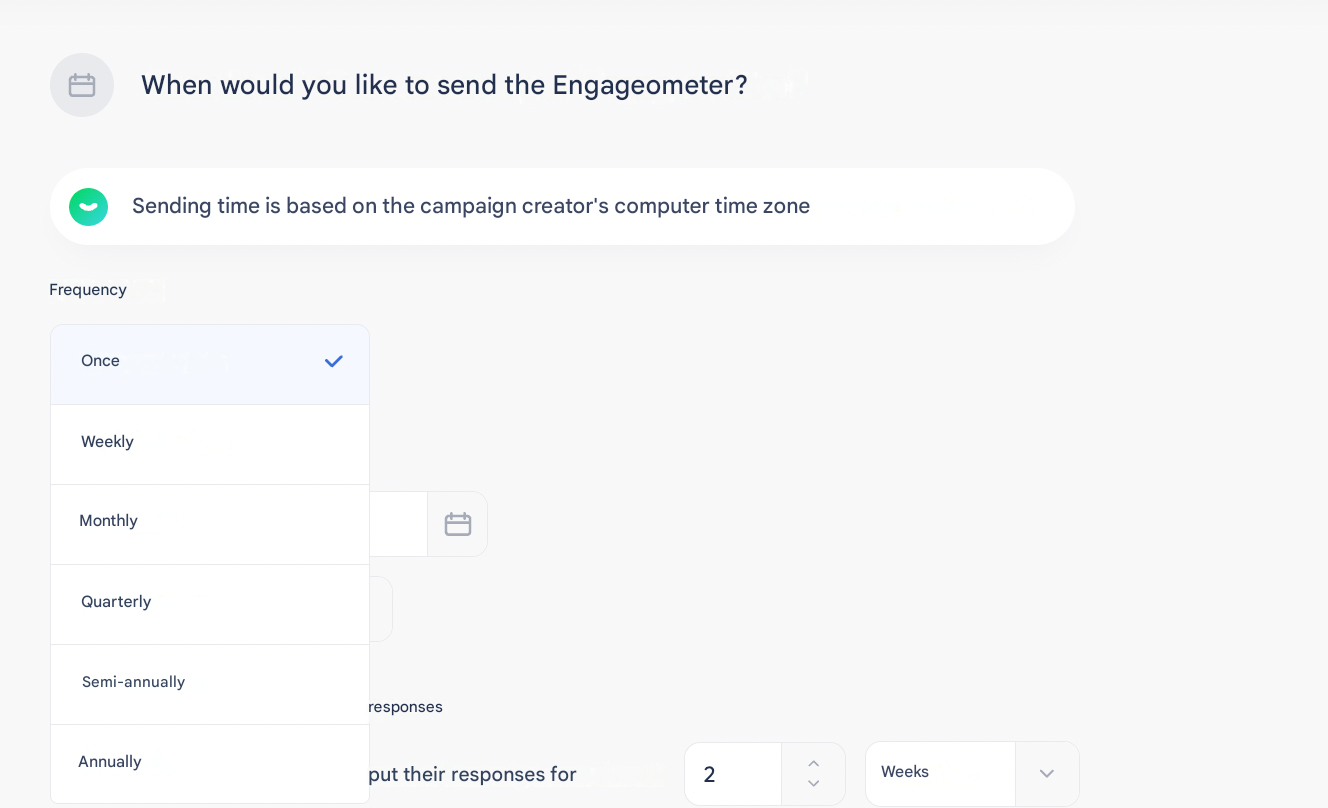
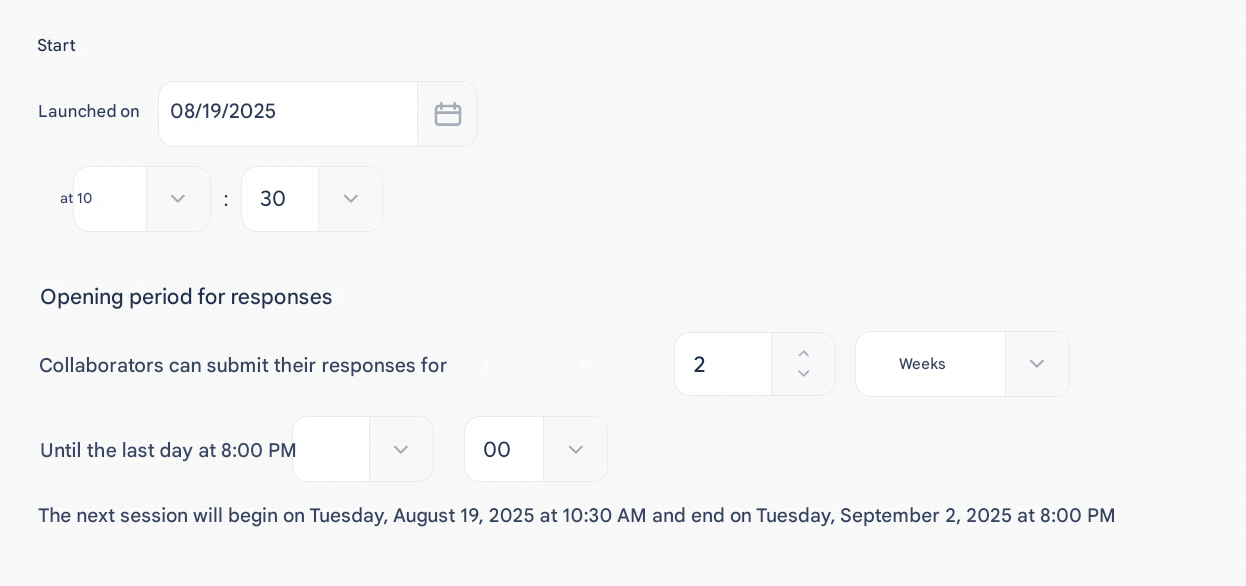
Then define the launch date and the campaign duration.
Reminders
Two reminder options are available to maximize responses:
- Automatic reminder: schedule a reminder between 1 and 7 days before the end of the campaign.

- Manual reminder: from the Manage tab, you can click on “Remind” once per day. Employees who have not yet responded will then receive a new email.