⏳ Define the frequency of an Engageometer
📍 Where to configure it?
The frequency is defined during the final configuration step of your survey or Engageometer.
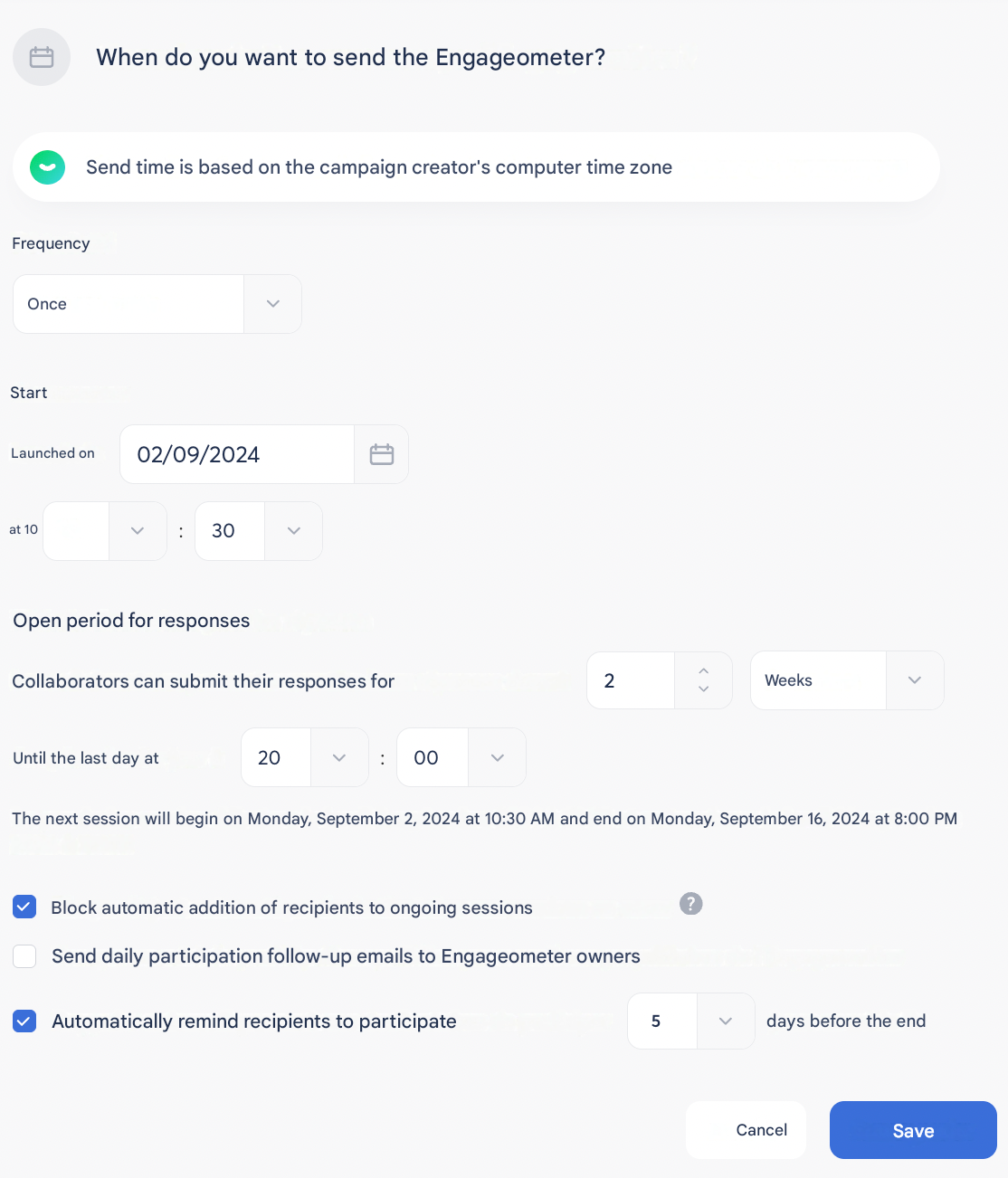
1️⃣ Choose the frequency
Select the sending frequency:
- One-time
- Weekly
- Monthly
- Quarterly
- Semi-annual
- Annual
💡 This step allows you to adapt your campaign to your needs (e.g.: recurring pulse, annual barometer, etc.).
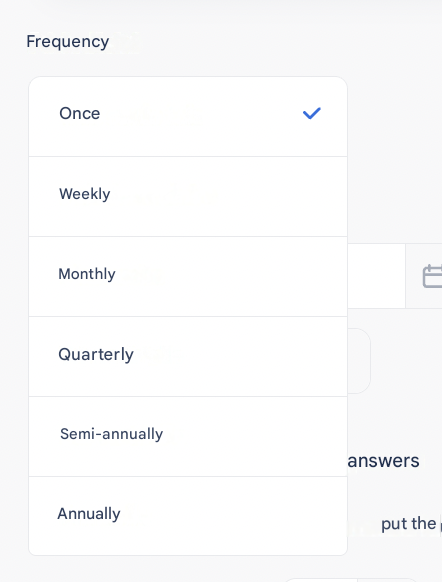
2️⃣ Define the launch and duration
- Choose the launch date and time.
- Specify the opening duration of the Engageometer.
- A summary sentence below this section indicates the automatic end date.
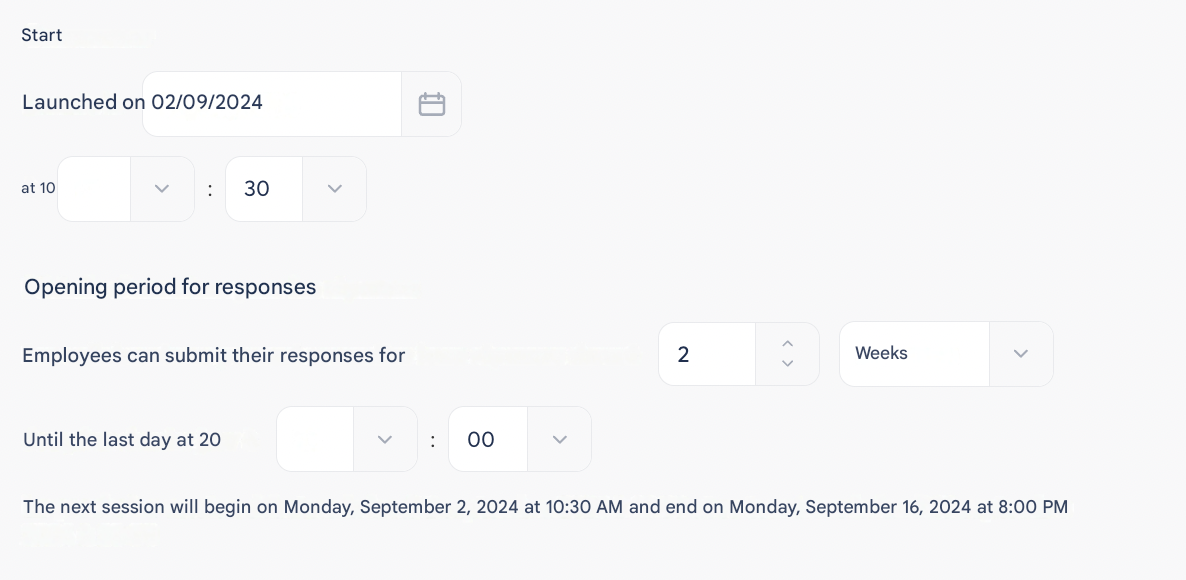
3️⃣ Additional settings
- Block automatic addition of recipients
→ Prevents the automatic inclusion of a new Employee joining during the campaign.
- Participation tracking
→ By checking this box, you receive an email every morning at 8 a.m. with the participation rate, throughout the entire opening period.
- Participation reminder
→ Enable an automatic email reminder between 1 and 7 days before the session closes.
