🔐 Anonymity of responses in a survey
When creating a survey, the creator defines the response mode, which determines the visibility of respondents’ identities.
🎭 The three available response modes
1️⃣ Anonymous
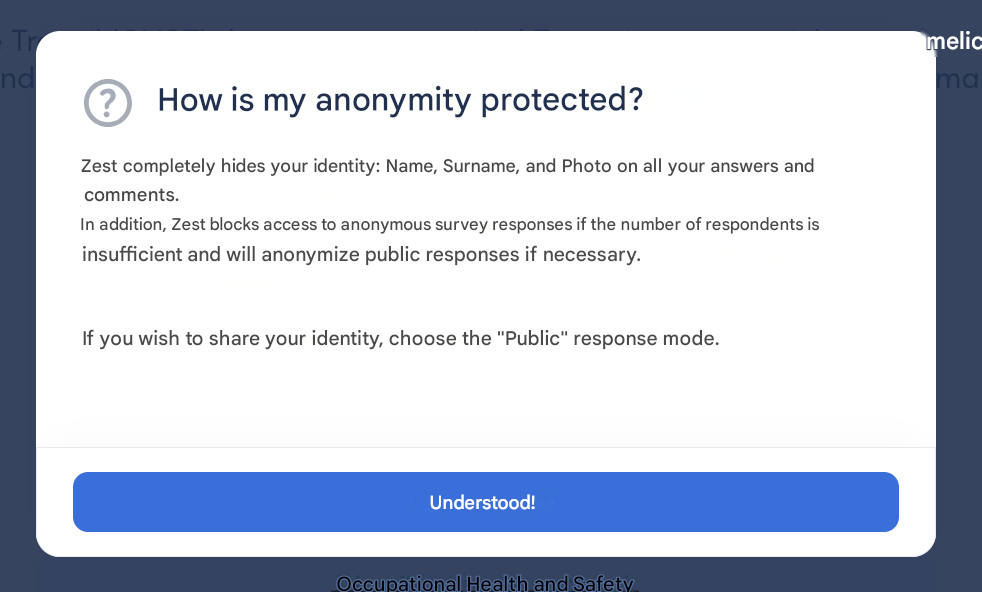
The respondent’s identity (name, surname, photo) is fully hidden.
- Results are visible only if the anonymity threshold is reached.
- Ideal mode to encourage honest responses.
2️⃣ Public
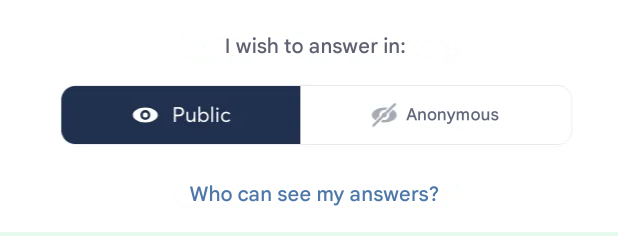
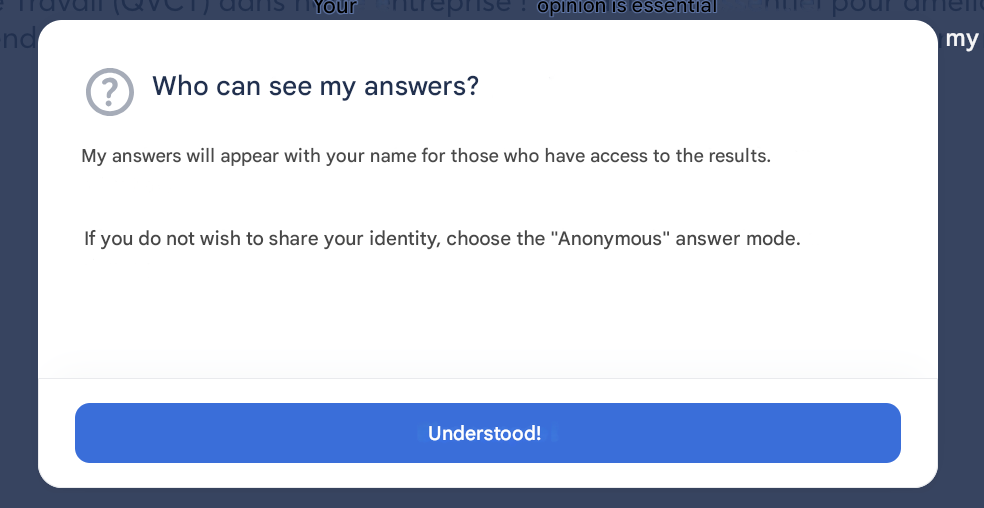
The respondent’s identity is displayed with each response.
- Full transparency.
3️⃣ Optional
Each respondent chooses whether to respond in public or anonymous mode.
✅ Good to know:
Before launching the survey and before submitting responses, each respondent is informed of the response mode used.
🚨 The anonymity threshold
Zest applies an anonymity threshold (set by default to 3) to ensure the confidentiality of anonymous responses. This threshold is a visibility condition for results.
🔒 Anonymity threshold rules:
| Response mode | Fewer than 3 anonymous responses? | Impact |
|---|---|---|
| Anonymous | ✅ Yes | ❌ No results displayed |
| Optional | ✅ Yes | ✅ All results are anonymized (including public responses) |
| Optional | ❌ No (≥ 3) | ✅ Public responses are visible, anonymous ones remain protected |
⚠️ Key points:
- The threshold is fixed at the time the survey is launched.
- It can be modified between campaigns (in global settings).
- The threshold calculation is based on the displayed results view, depending on the applied filters.
🔍 Filtering examples
📁 Filter applied: team
- Team of 10 employees
- 2 anonymous responses → Public responses will also be anonymized (threshold not reached)
🏢 Filter applied: entire company
- 100 employees
- 10 anonymous responses → Public responses are visible, anonymous ones remain protected