What is an attribute?
An attribute is data associated with a user (e.g.: department, seniority, contract type).
Where can I find the option?
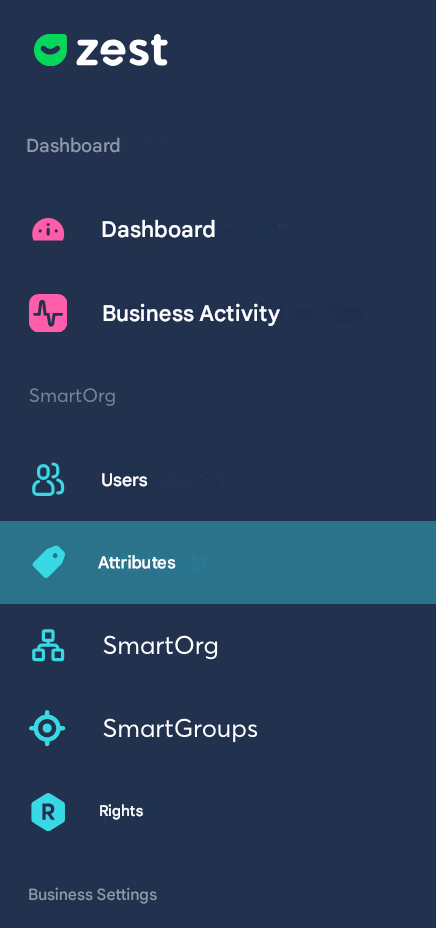
In the Back Office, in the left sidebar, look for Attributes.
There, you will find the list of your already created attributes and a button at the top right: Create a custom attribute
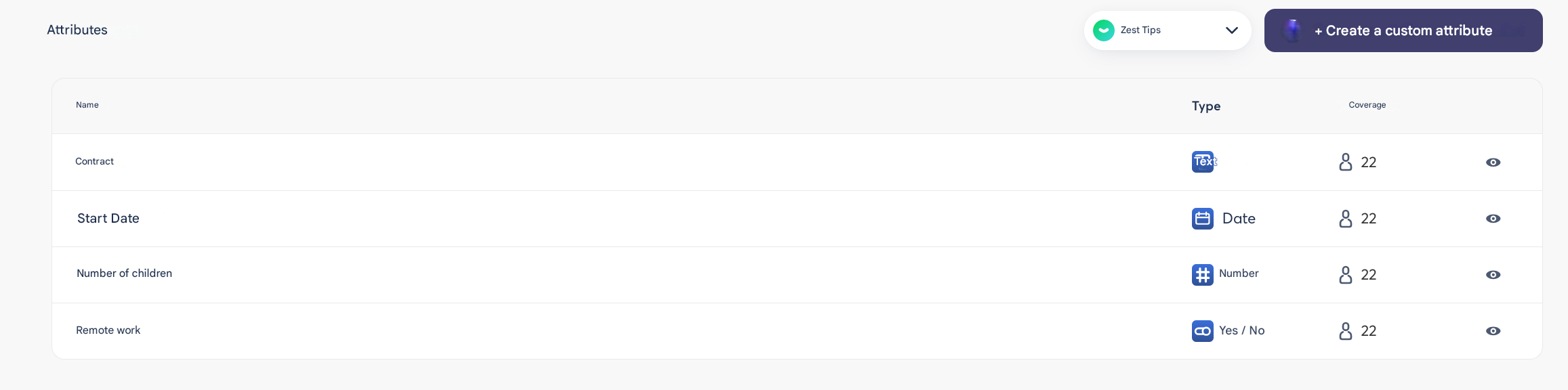
When you click on it, you will access a window:
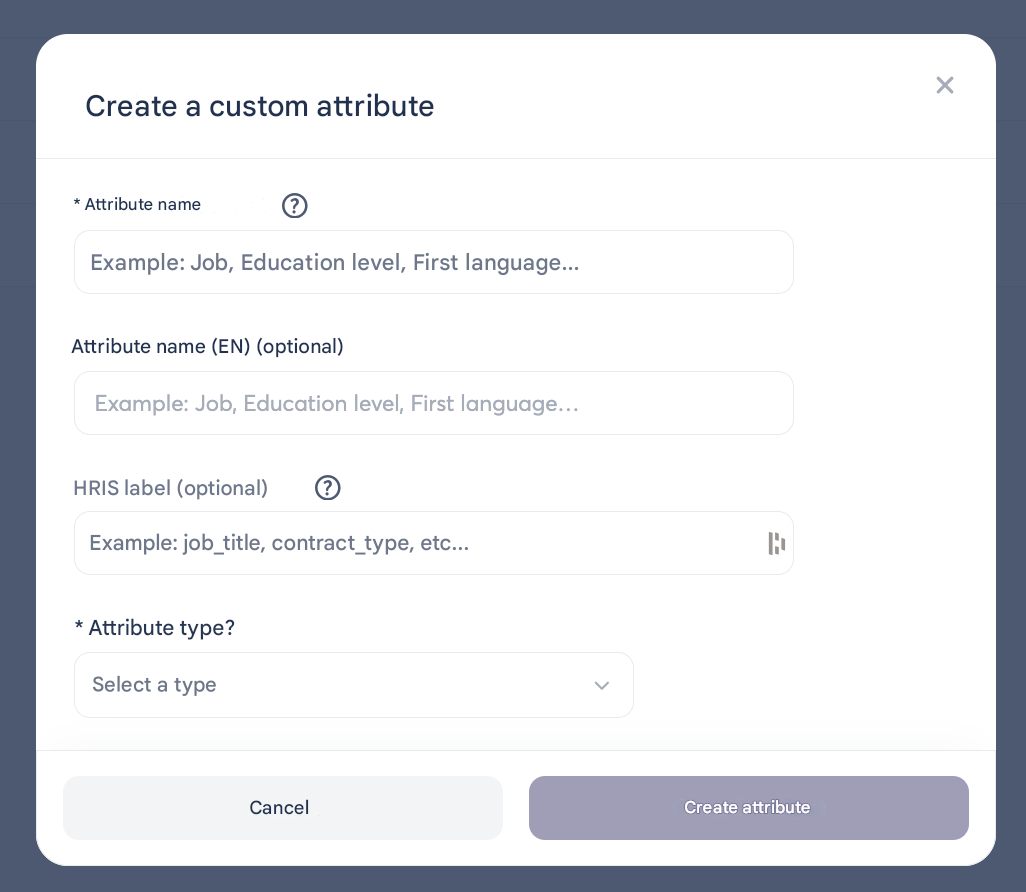
Attribute name: The title to easily identify it
Attribute name EN: If translation is needed
HRIS label: The equivalent name in the tool you may be using
Attribute type: Yes/No I Date I Number I Text
These attributes will be used as information on your Employees’ profiles, but also as criteria in your SmartGroups.