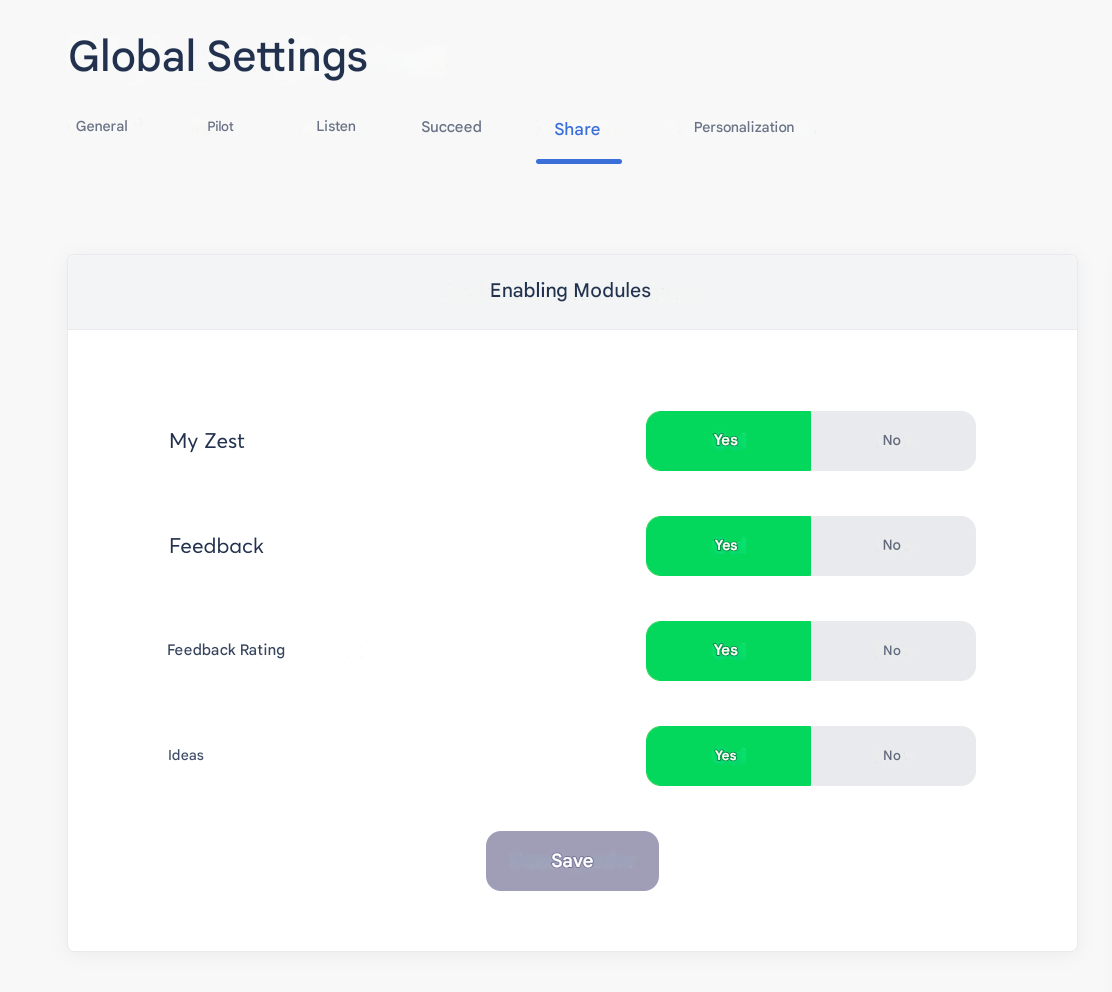
If this feature is included in your contract, you can enable the option from the Back Office.
Go to the Feedback tab to send feedback to an Employee:

When you click, the page will offer more details:
Title: Add a clear and impactful title
Description: Add some detail so that the feedback is constructive if it is negative, and do not hesitate to suggest areas for improvement.
Send to: Select the Employee to whom you want to send this feedback
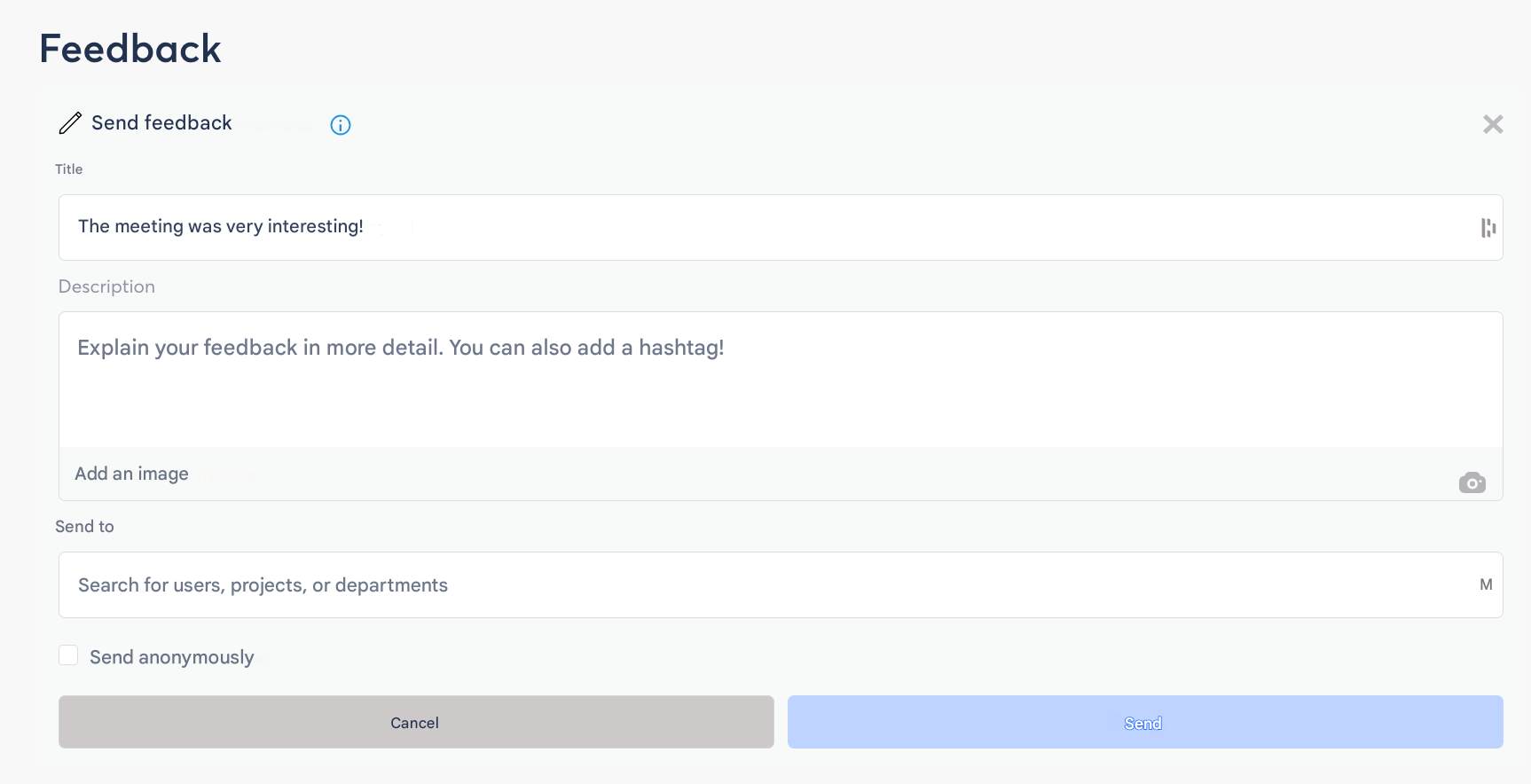
It is possible to check the box to send the feedback anonymously. However, it is preferable to send it as a named feedback.
⇒ You can send it!
It is also possible to request feedback from an Employee

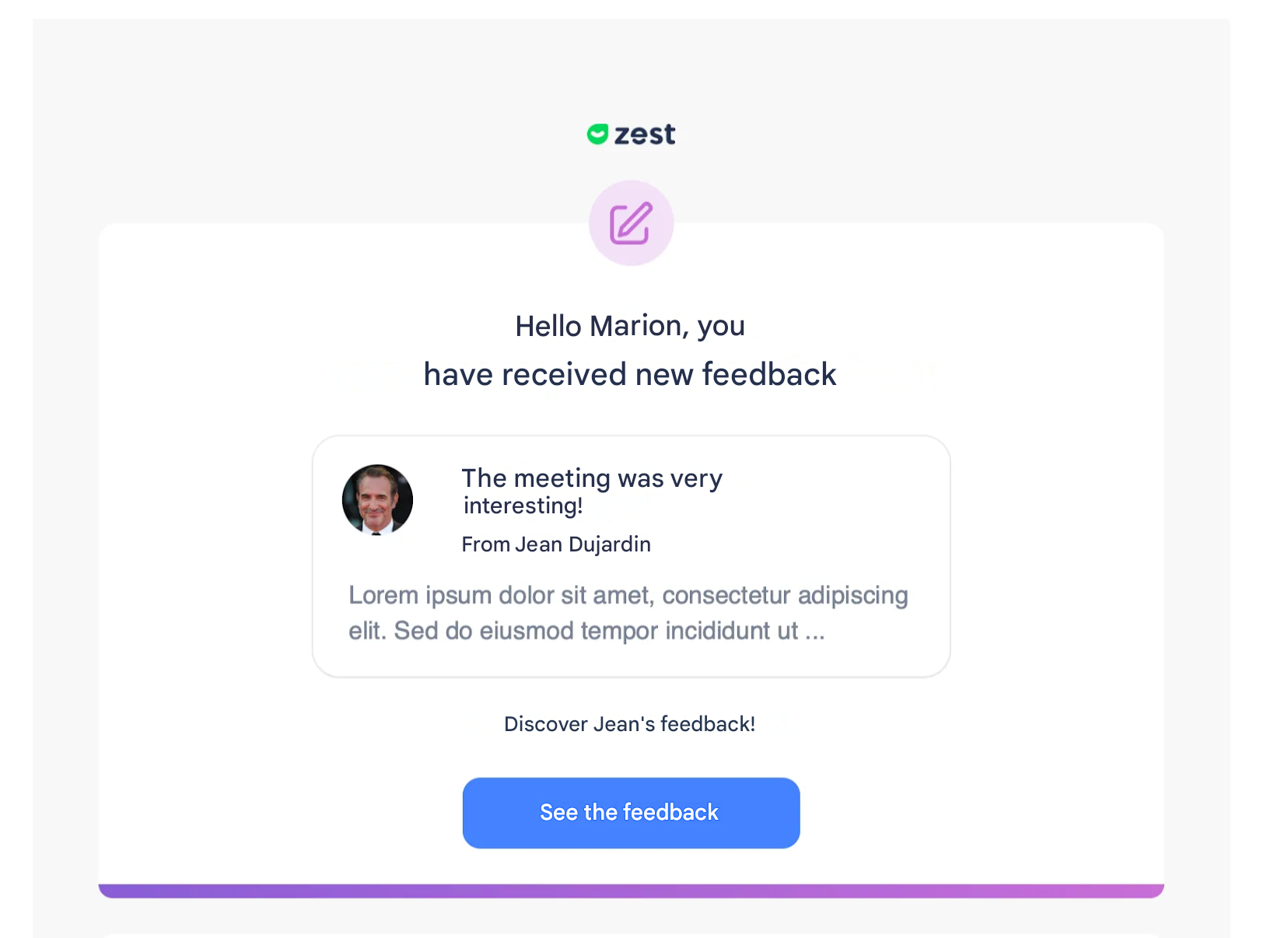
🚩 The concerned person will receive an email notification: