As a manager, you will also have access to a reporting dashboard showing the average mood of your team(s) over time. To find it, click on mood in the left blue sidebar, then go to the moodboard sub-tab. You will then be able to observe trends over time to get a more global view:
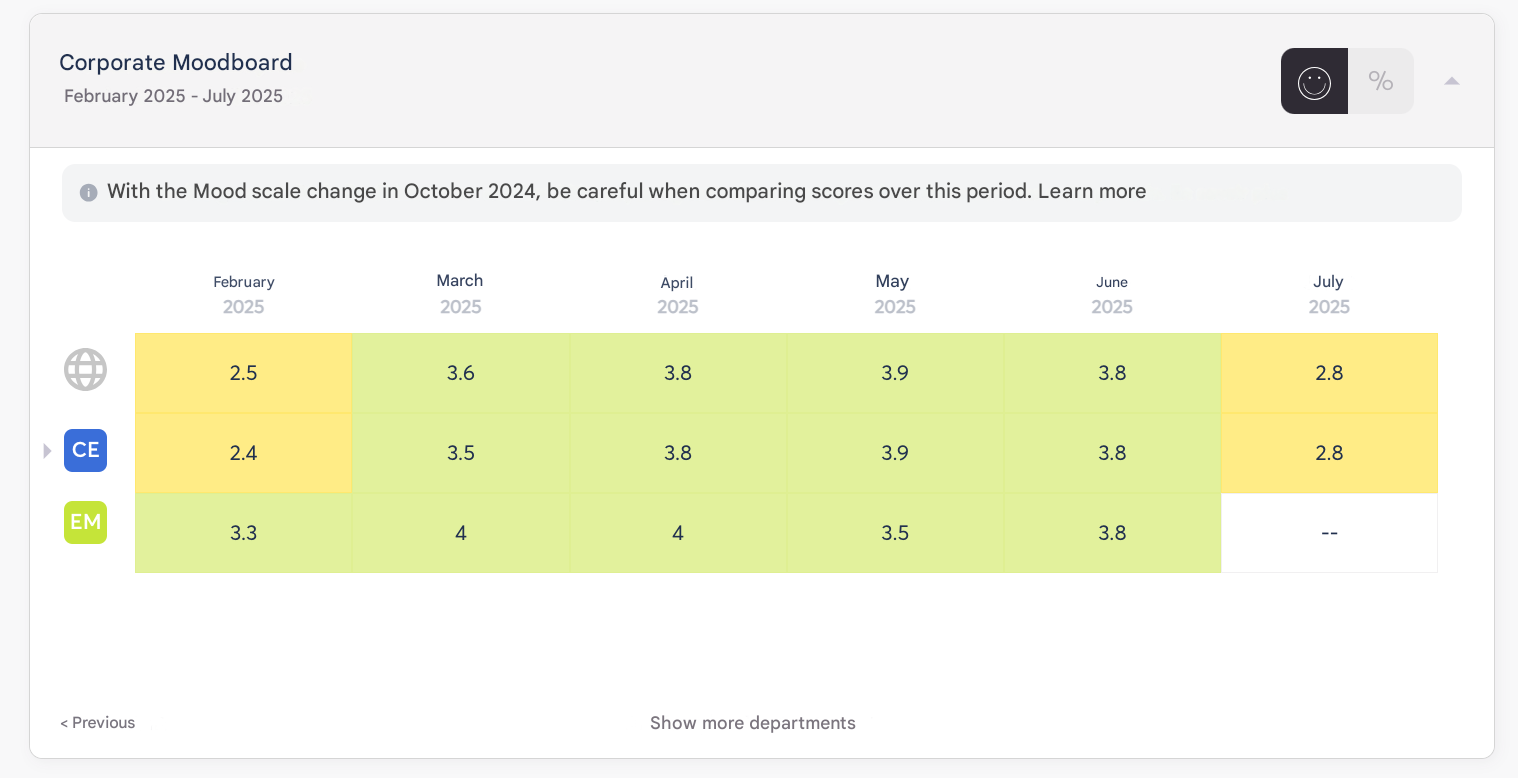
To adjust your view above:
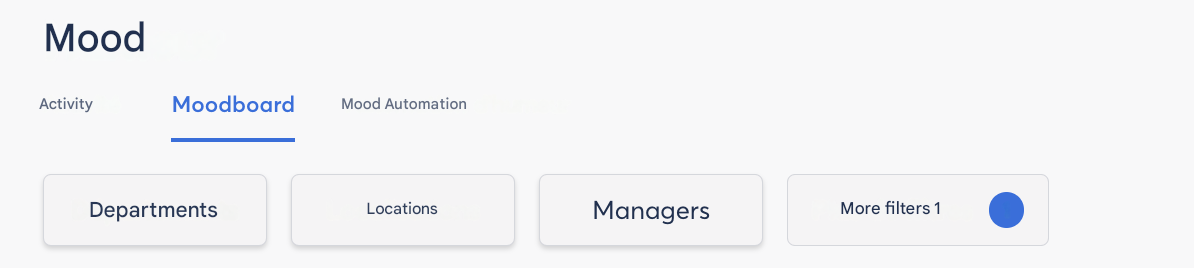
You have access to filters. These filters are based on the SmartOrg you have set up in the Back Office. It is possible to combine filters for more precise targeting.
More filters allows you to select the attributes you have previously created.
You can find your own mood statistics in your dashboard. To access it, click on your name at the top right of your screen and click on Back Office, then dashboard.
Participation rates are calculated based on all users present in Zest at a given time, regardless of their number of submissions (in case of multiple submissions in one day) or their status (never logged in, active, blocked...).