1️⃣ New Skills Version 🌟
What is this new skills version? 🤔
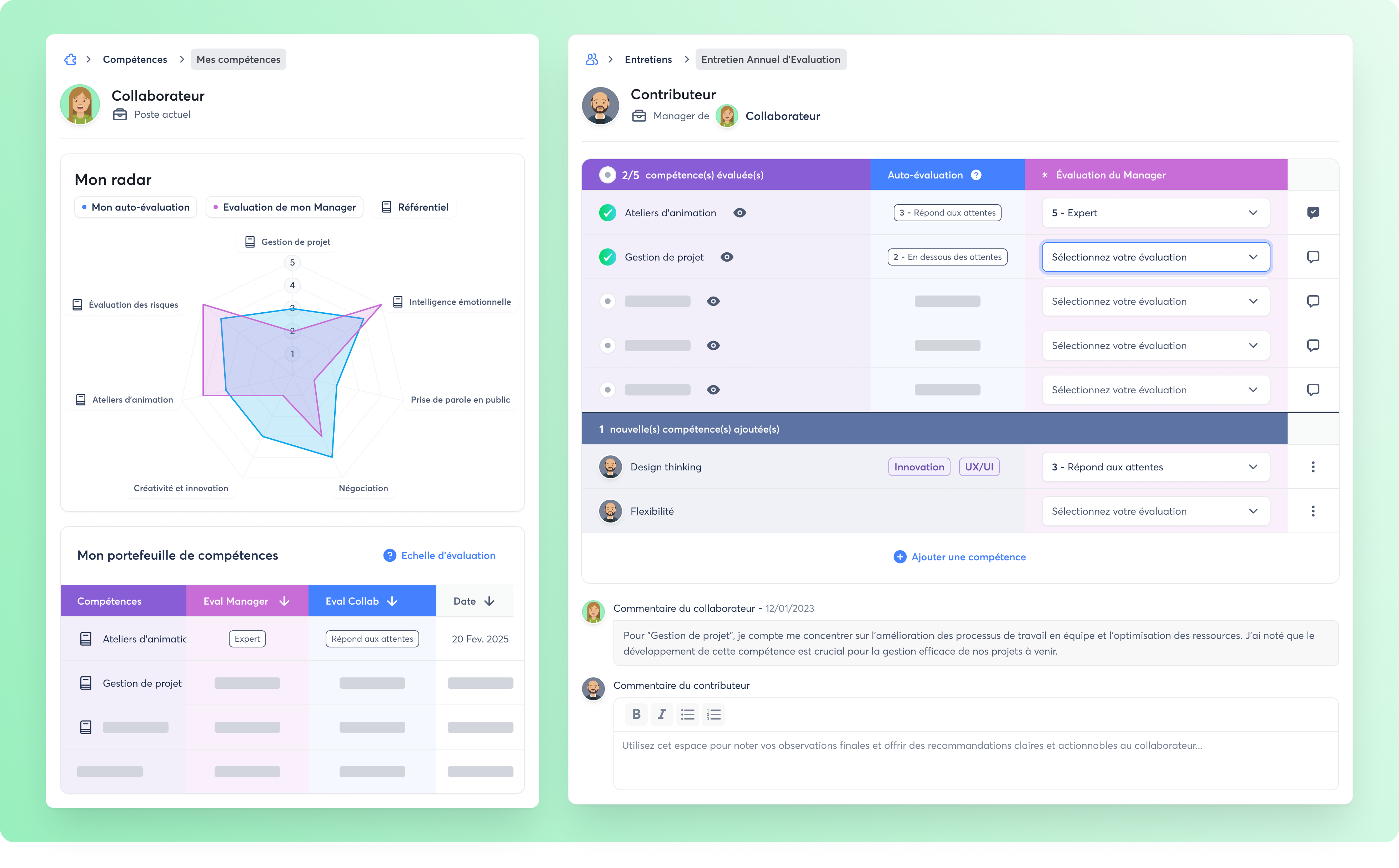
The new version of Zest Skills simplifies talent management. You can now better track and assess the skills of all your teams.
What is the objective? 🎯
Here is what you can now do with the new generation of Skills in Zest:
👉 Build your skills framework and automatically assign each skill to employees based on their roles and responsibilities.
👉 Assess skills live during your reviews for precise, agile tracking while strengthening a feedback culture.
👉 Enable employees to visualize their progress with an interactive radar, highlighting strengths and areas for improvement.
How to access it? 🧐
To ensure a smooth transition, the current skills version will remain available so you can complete the 2025 cycle. This gives you time to prepare and plan the implementation of your skills framework in Zest.
👉 Ready to switch to the new version? Contact your Customer Success Manager now to activate it and benefit from all its improvements, for example for professional reviews or new “Skills” rituals. You will be supported at every step to ensure a smooth and seamless transition. 🚀
2️⃣ Interview History (Web & Mobile App) 💫
✨ Interview History by Employee ✨
What is interview history? 🤔
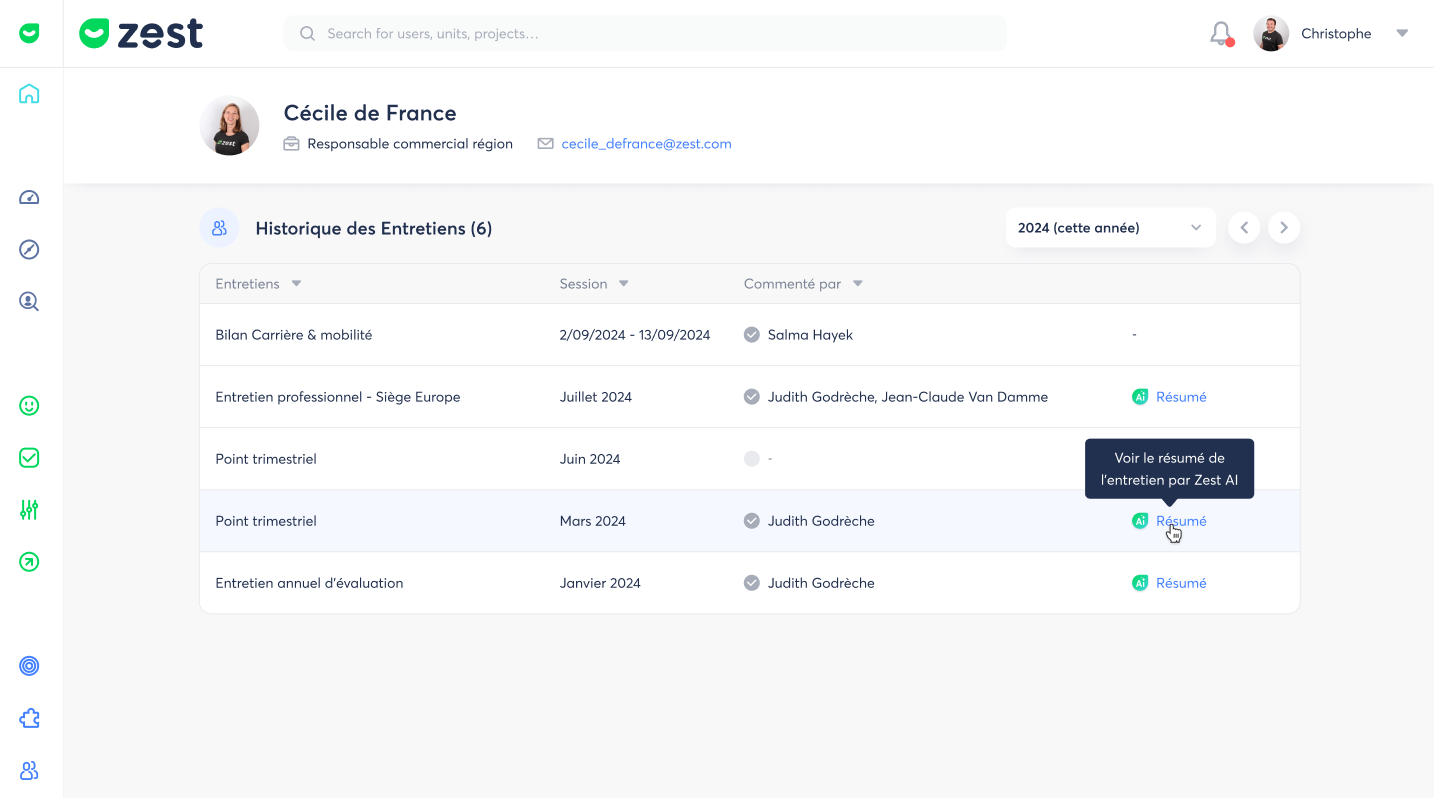
💫 A few weeks ago, Zest added AI to your reviews to generate summaries that help you analyze them quickly and optimize decision-making. Now, we provide an employee profile containing the interview history for every user in your workspace.
What is the objective? 🎯
👉 Retrieve history without wasting time
🌟 Access, in one click, the history of reviews conducted for each employee.
👉 Prepare ongoing reviews with a summary
🌟 Easily revisit summaries of previous reviews to recall key points and better prepare the next or current review.
How to access it? 🧐
- From your web browser on your computer 💻
- From your employee’s review report, in the Summary section, click “Interview history”
- From any page, click on the employee’s profile photo
- Or use the search bar at the top of your Zest workspace, type the employee’s name, and access their profile
- From your mobile app 📱
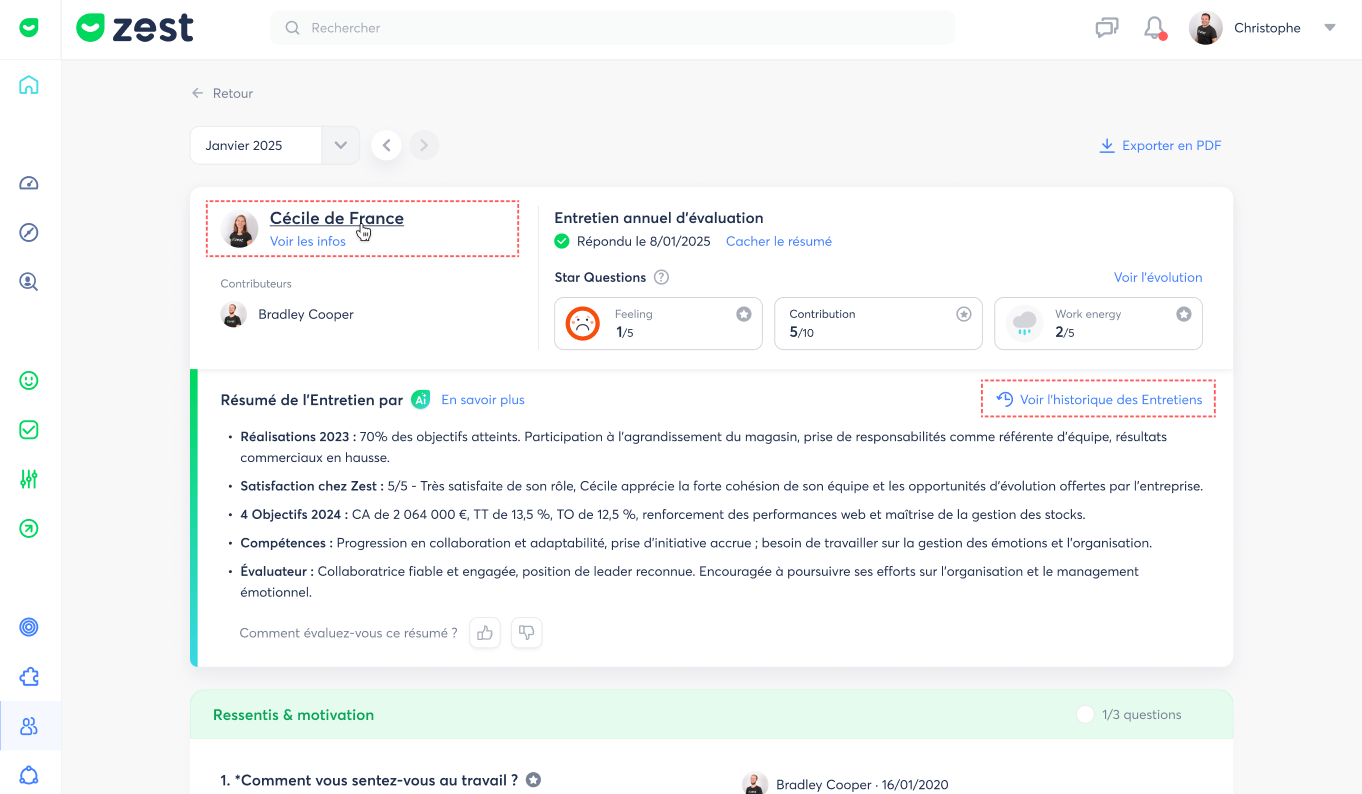
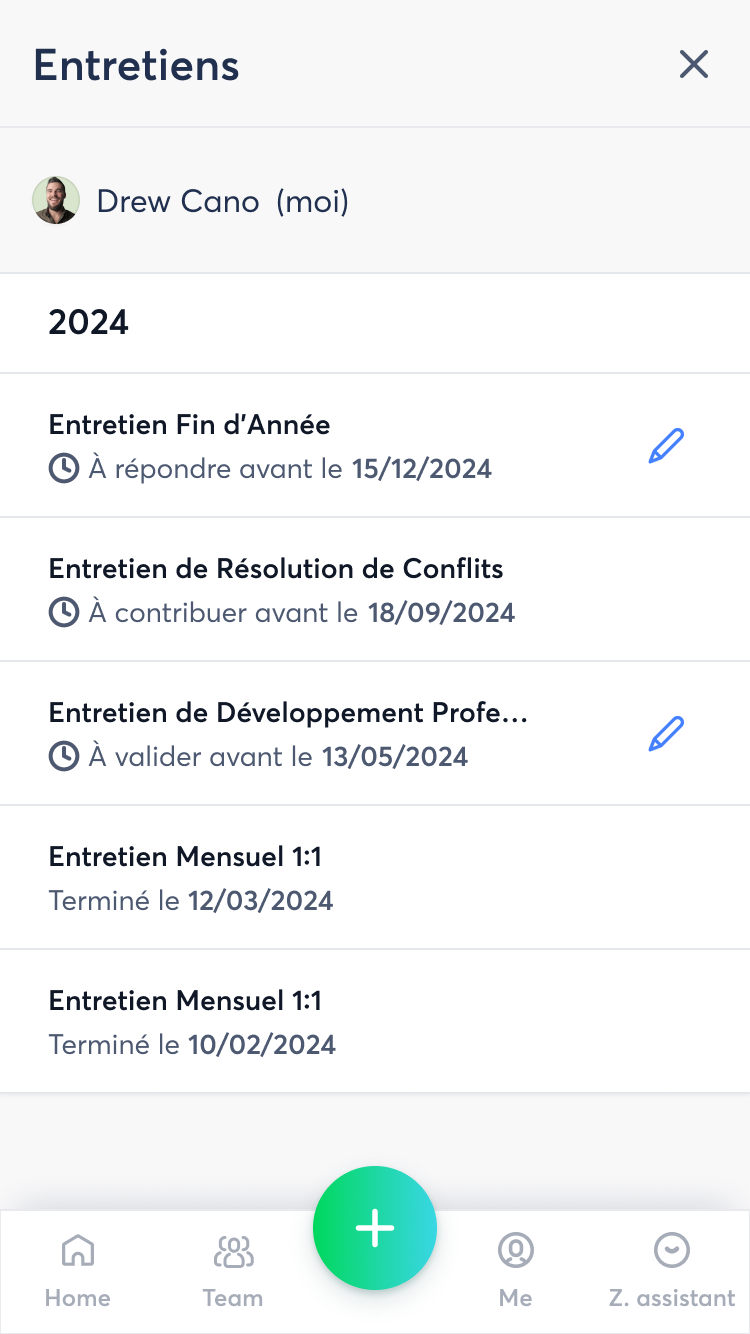
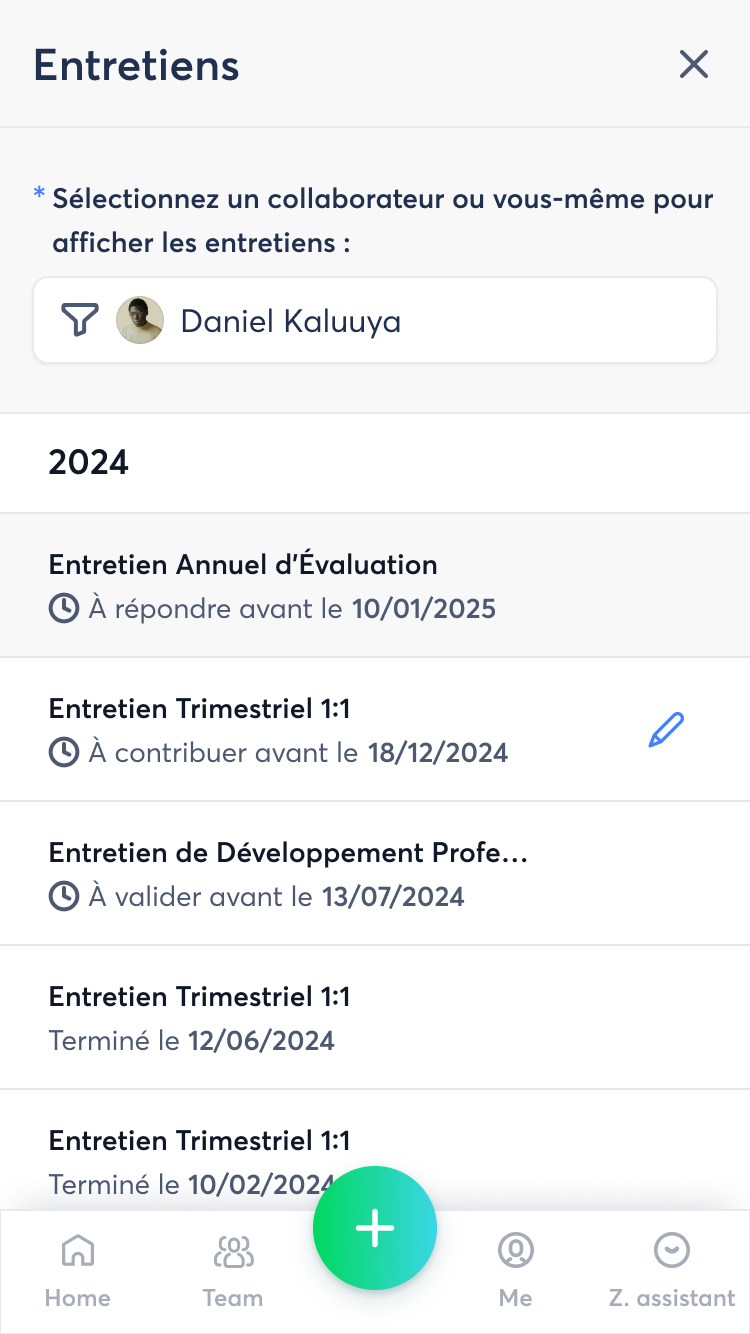
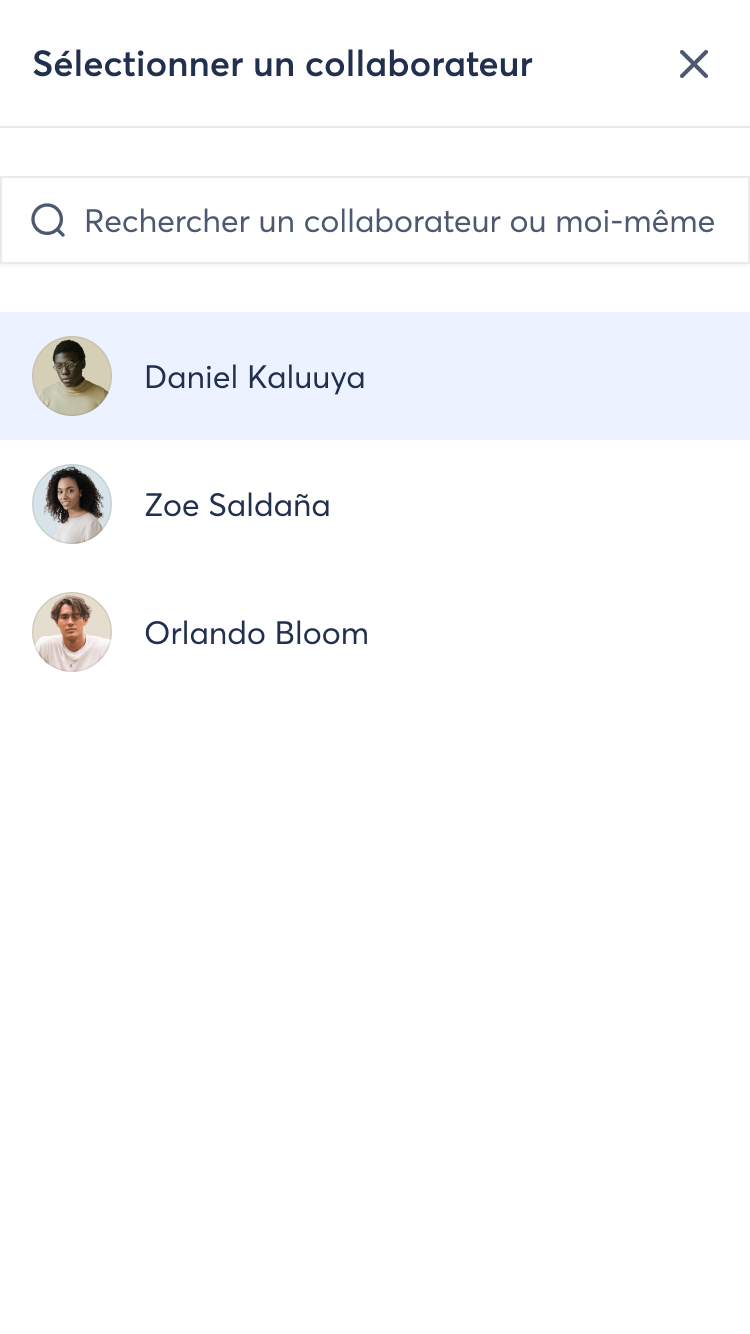
You will now receive a notification for a new review campaign with direct access to each employee’s past reviews. Alternatively, from the “My Team” menu, you can view the list of employees and their review history.
3️⃣ Access to the Interview List on Mobile 📱
Why this new feature? 🤔
We want to make the experience smoother and allow everyone to track their reviews easily, wherever they are.
What is the objective? 🎯
Make it easier to access reviews so everyone can:
👉 Track their reviews on the go 📱
👉 Prepare discussions more easily, at any time
👉 Be more responsive by quickly accessing feedback and next steps
The goal is to provide a smoother, more accessible experience to better support employees and managers in their day-to-day activities. 🚀
How to access it? 🧐
📲 Open your Zest mobile application
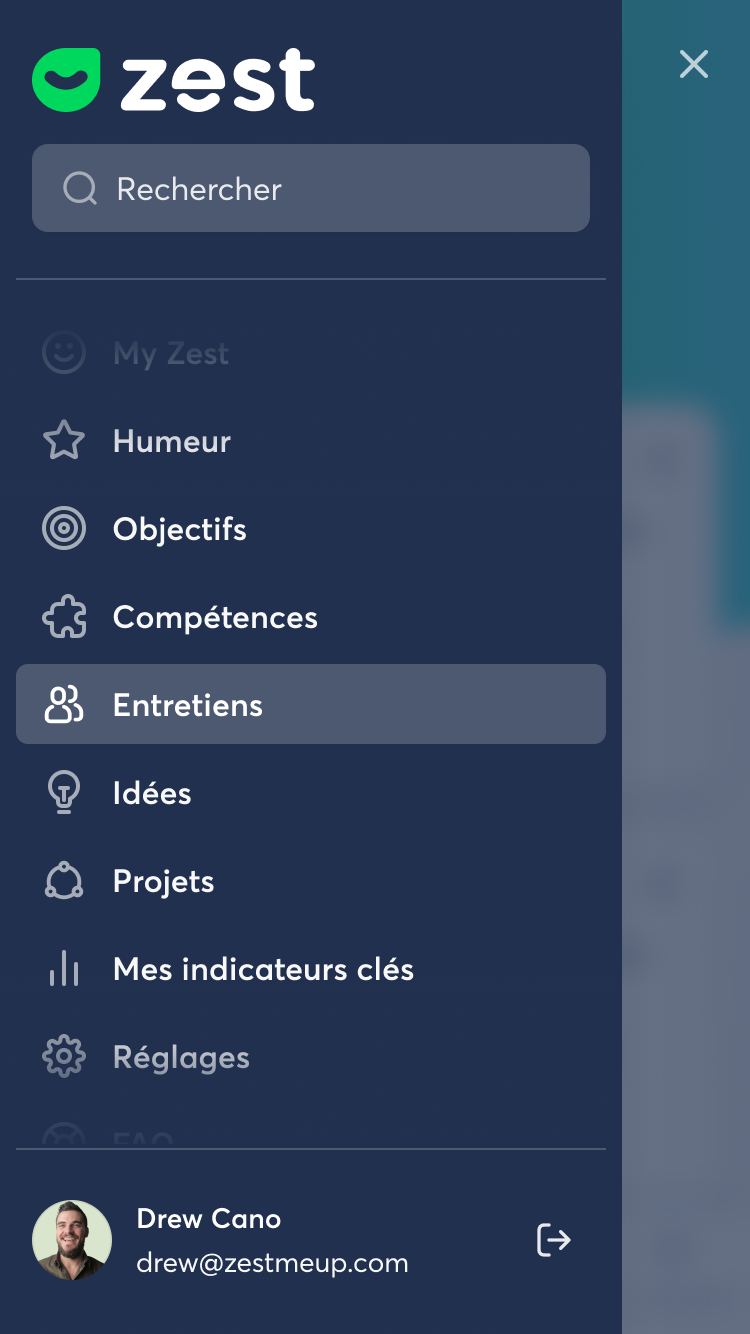
📂 Go to the side menu
✅ Tap “Reviews”
🔄 Make sure you have the latest app version (16.5.1) to use this feature!
Adopt this new functionality and make tracking your reviews easier! 🚀