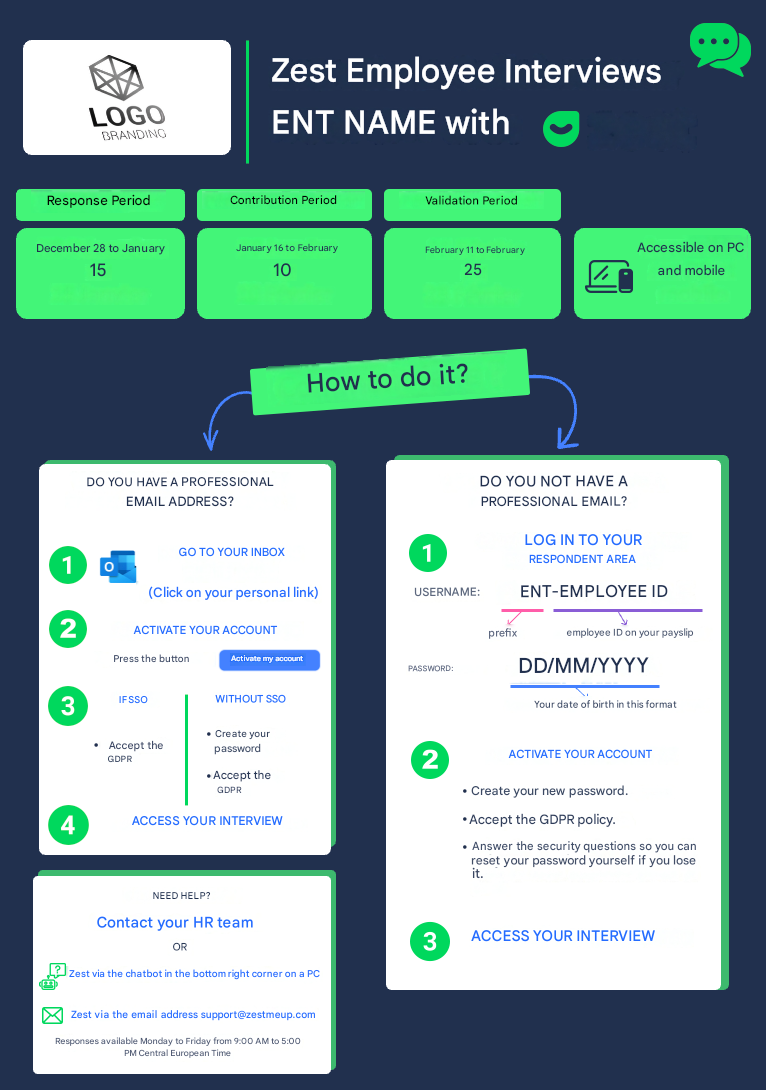
Zest login posters are provided in PowerPoint format, so they can be fully customized by your HR teams.
👉 Before sharing them, remember to:
- complete the campaign dates,
- add your company logo (top left),
- check the login methods (SSO / non-SSO, email / Employee ID).
Review poster – Login with professional and personal email addresses
What is this poster used for?
This poster should be used when Employees access their Review:
- either via a professional email address,
- or via a personal email address.
Login with or without SSO
- If your company uses SSO, the corresponding section can be customized to explain the automatic login process.
- If you do not use SSO, Employees will need to:
- create their password,
- accept the GDPR policy,
- then access their Review.
👉 This section is customizable according to your IT environment.
Review Poster - Professional + personal email addresses.pptx
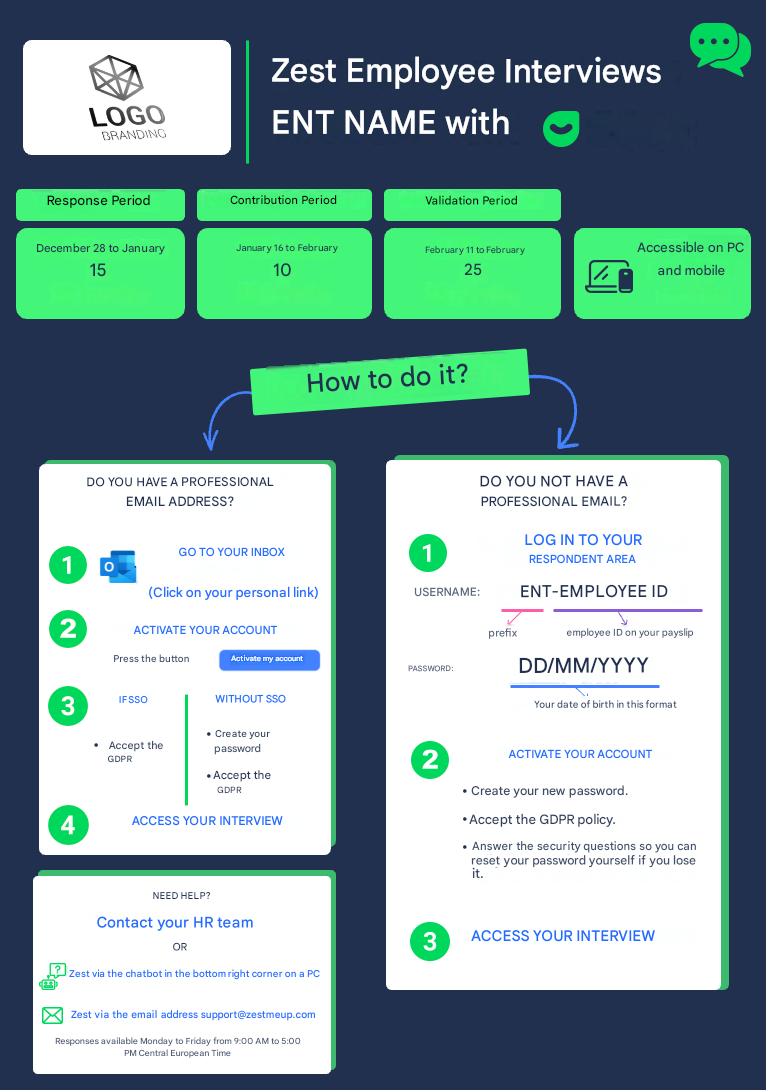
Review poster – Login with professional email addresses and Employee IDs
What is this poster used for?
This poster is intended for organizations where:
- some Employees have an email address,
- others log in only with an Employee ID.
Important points to check
⚠️ Login prefix
The displayed prefix must match your company.
If in doubt:
- check the profile of an Employee using an Employee ID in the Back Office,
- or contact your Zest CSM.
⚠️ First login password
The initial password must match what has been configured (e.g.: date of birth).
It is essential to customize it correctly on the poster.
Login with or without SSO
As with the previous poster, the SSO section can be customized according to your configuration.
Review Poster - Professional email addresses + Employee IDs.pptx