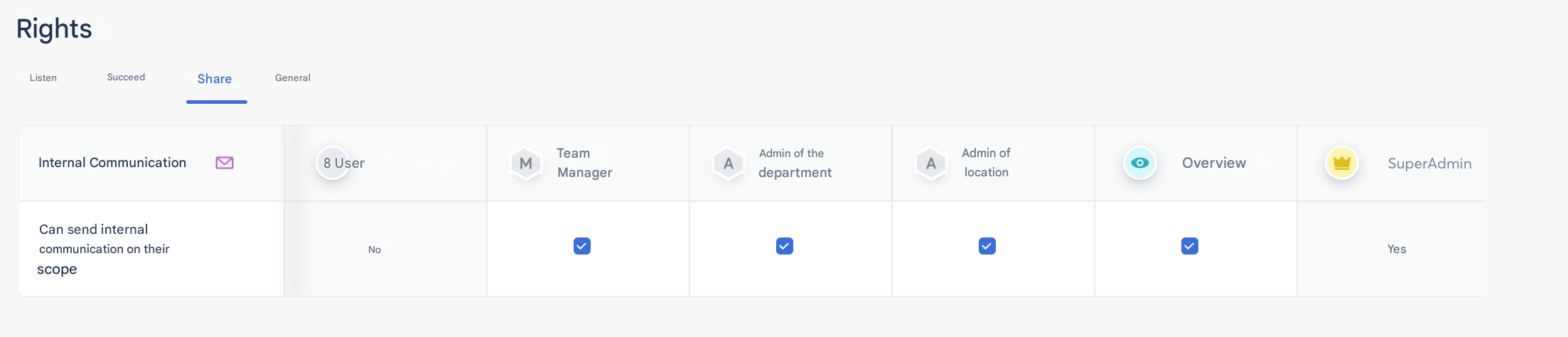
First, please go to the permissions table to check the internal communications settings.
Then, go to the relevant tab and click on the Create a new message button:
You will access different configuration steps to launch your communication:
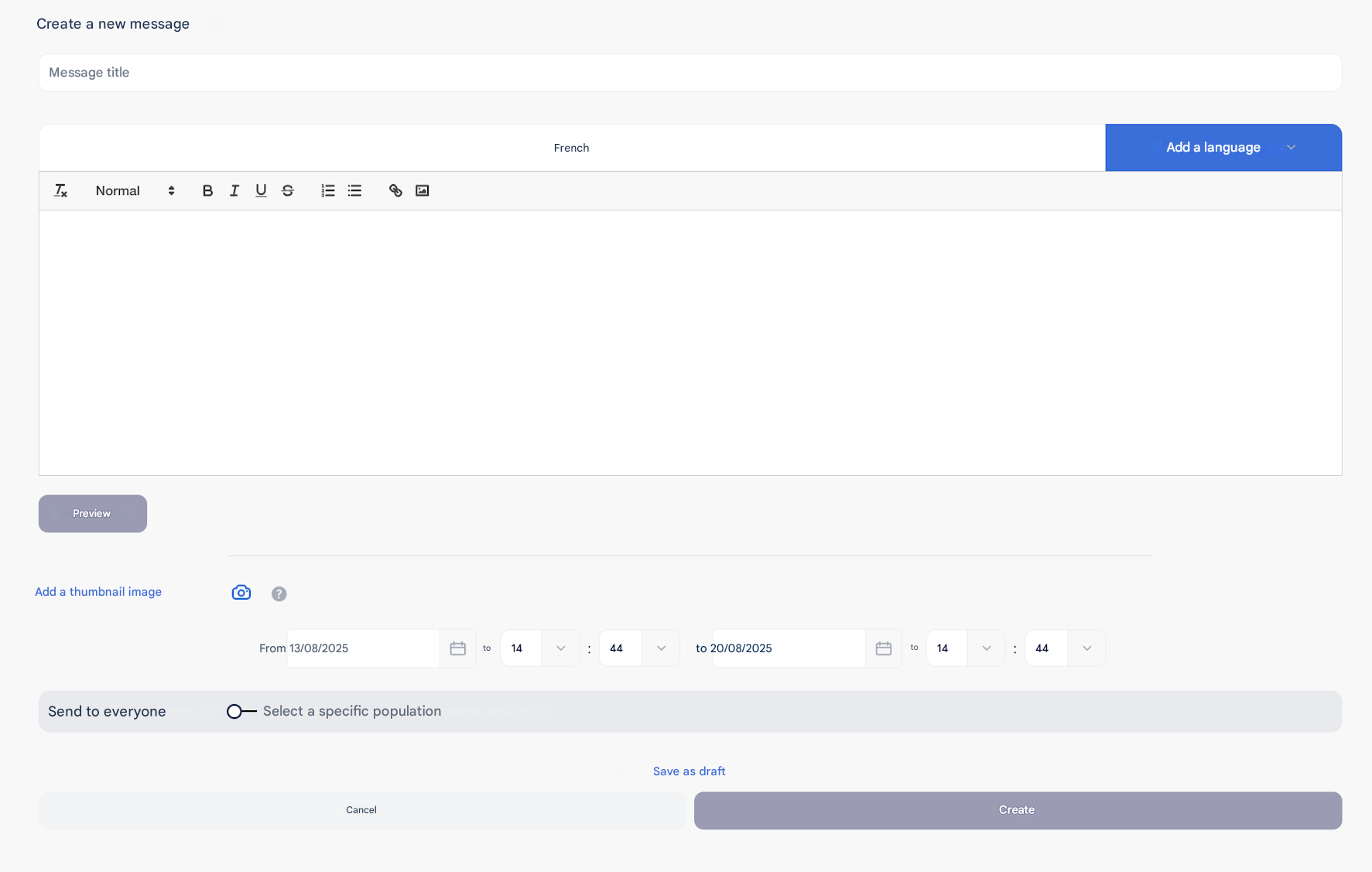
Add:
- A title
- Languages if necessary
- A communication text to format, which you can preview if needed
- Define the display duration
- Choose the recipients of this communication
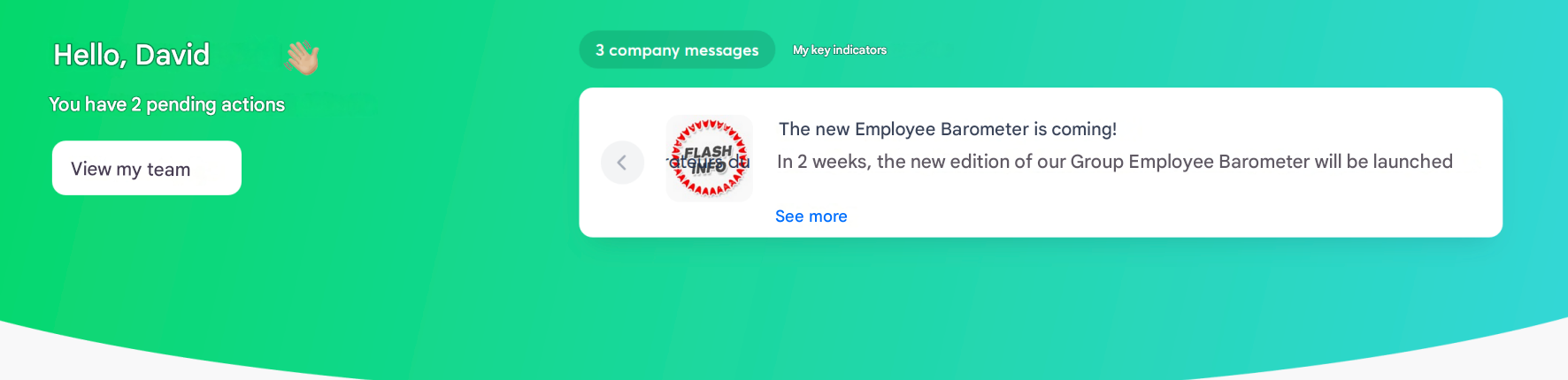
You will then receive it directly on your home page 👇🏼