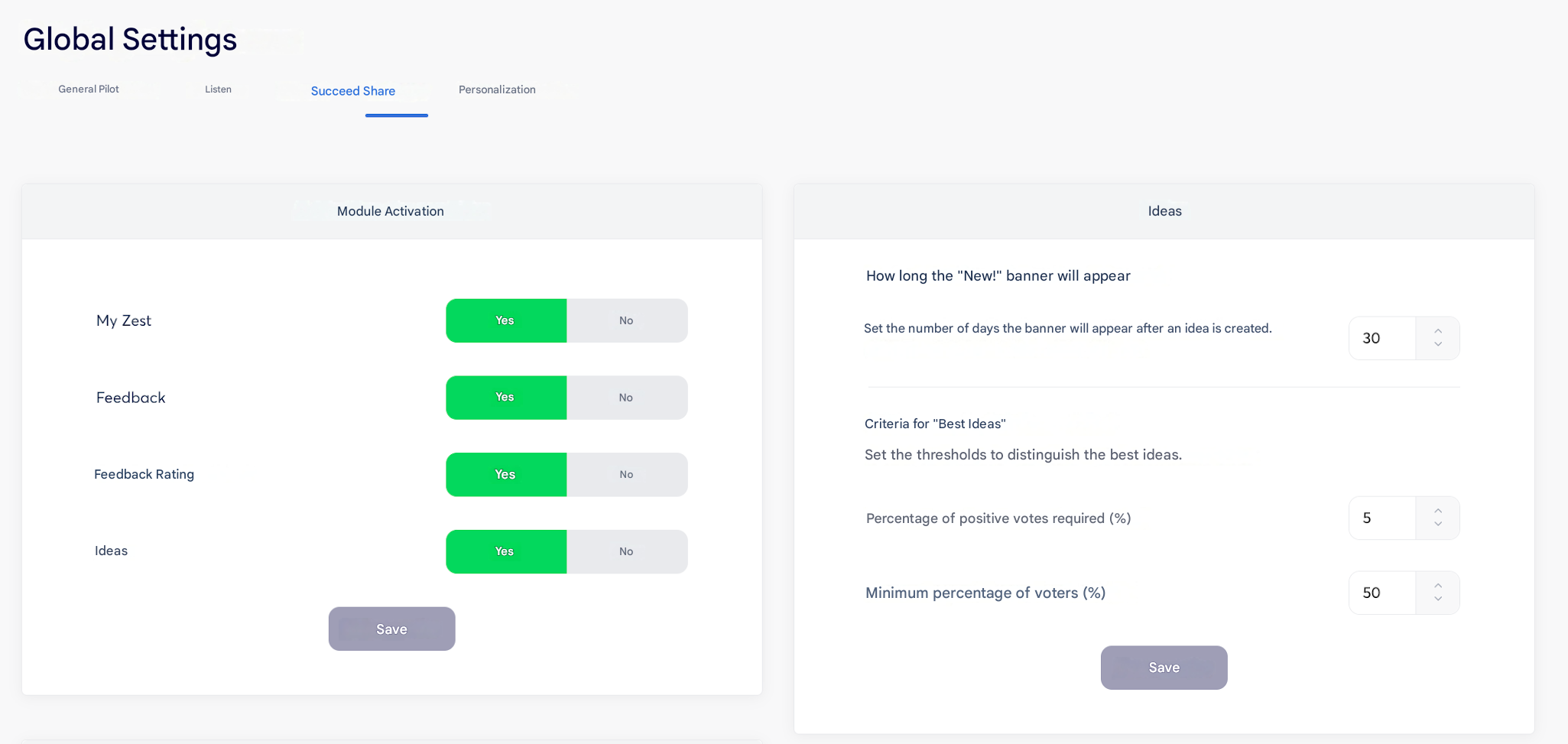
Go to Back Office > Global settings > Share. The panel on the right is dedicated to the Ideas feature.
- Define the number of days during which the banner will appear after an idea is created.
Define the thresholds to distinguish the best ideas.
- Required percentage of positive votes (%)
- Minimum percentage of voters (%)
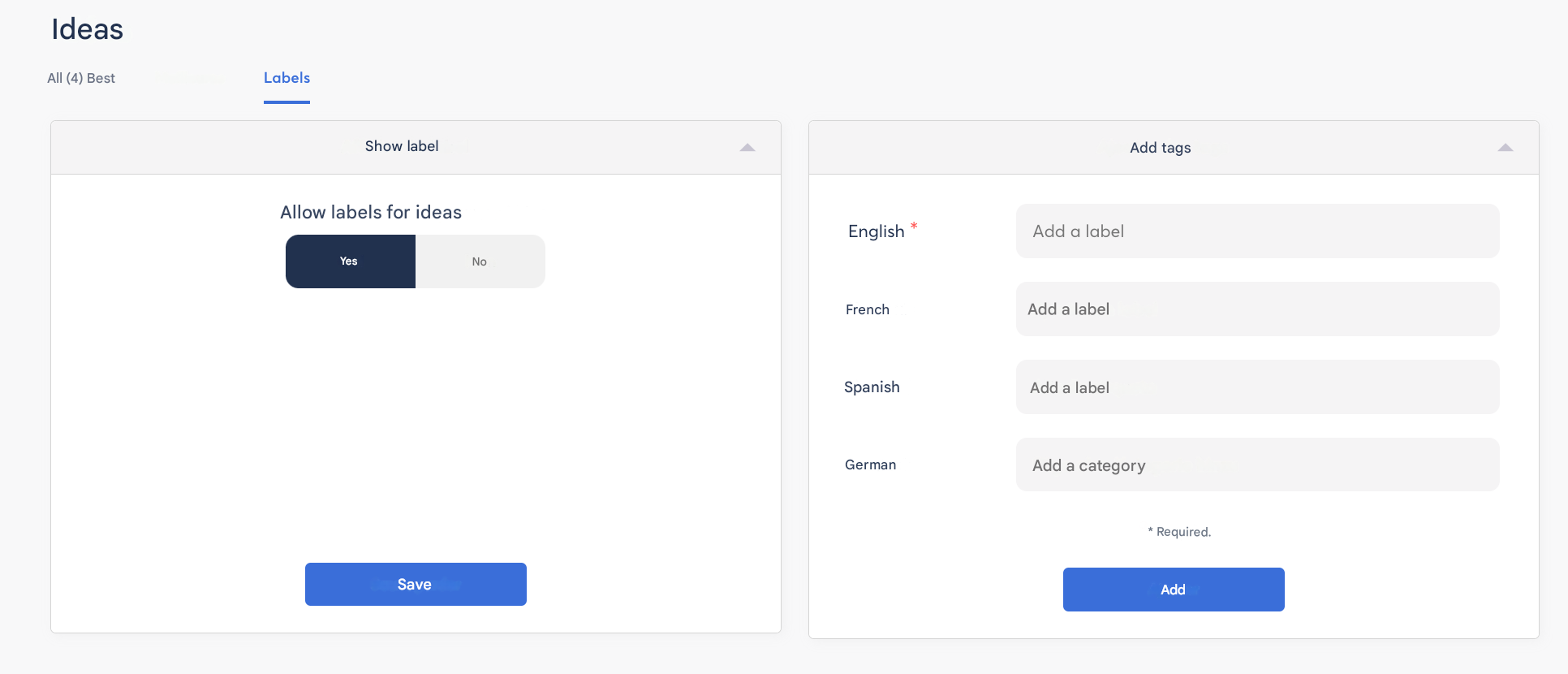
As a Super Admin, you also have access to the Ideas tab, then Labels: this allows you to enable the option, add Labels, and their translations if necessary: