🔔 Remind employees to respond to a survey
To maximize participation rates in your surveys, Zest offers two ways to remind employees.
🧑💻 Manual reminder
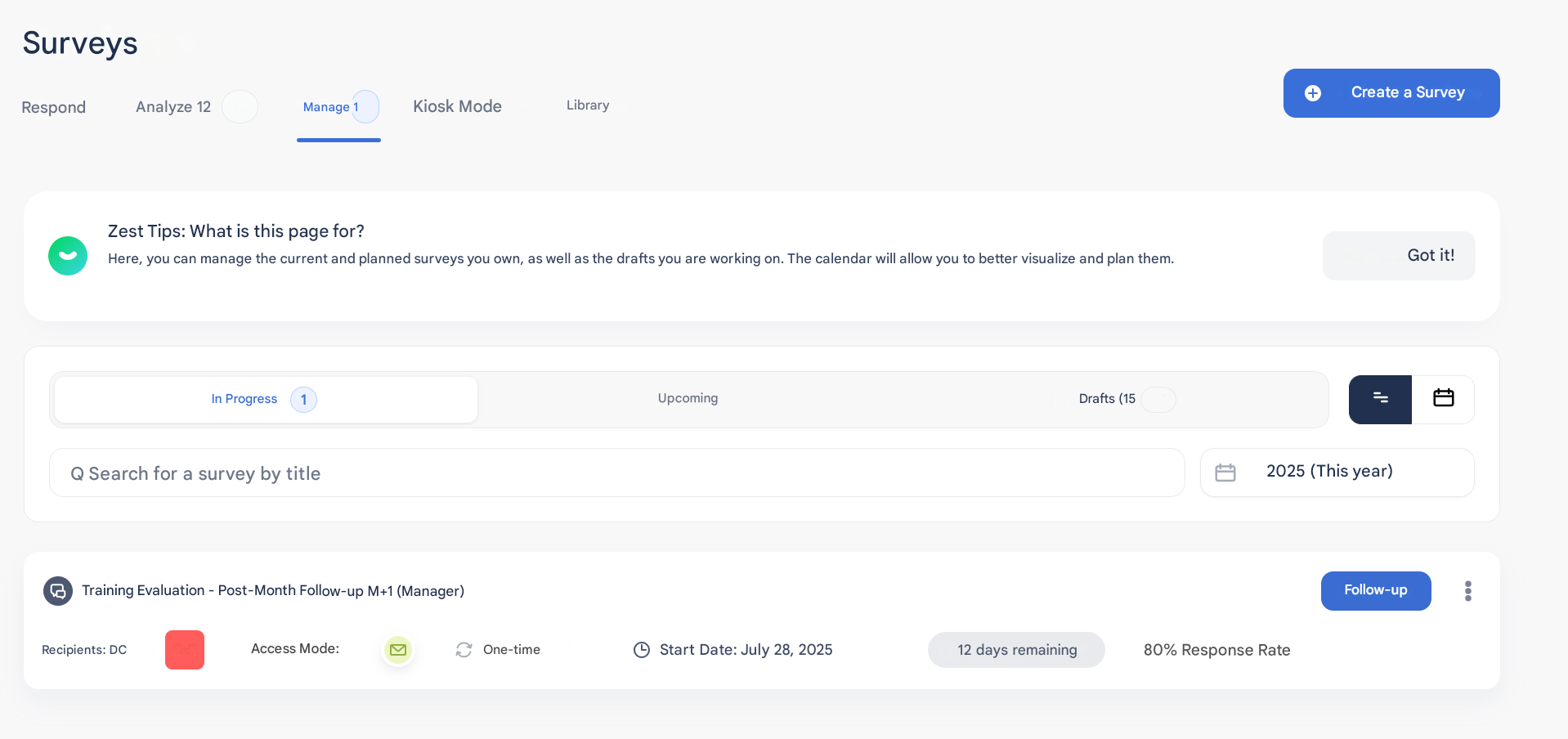
👉 You can send up to 1 reminder per day, manually, via the “Manage” tab of the survey.
- Simply click on the “Remind” button next to the relevant survey.
- Employees who have not yet responded will receive a notification.
🕒 Scheduled automatic reminder
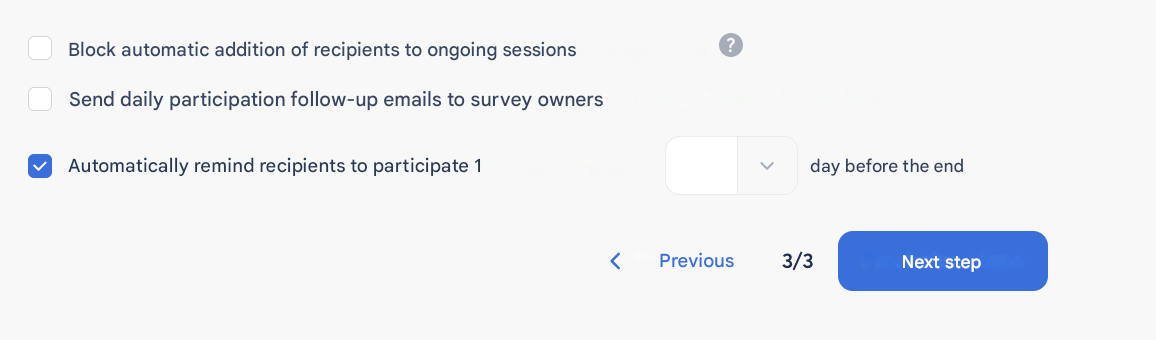
💡 When setting up the survey, you can schedule a single automatic reminder.
- This reminder is automatically sent between 1 and 7 days before the end of the response period.
- Useful to plan a reminder in advance without manual action.
✅ Best practices
- Use the automatic reminder to anticipate a gentle follow-up.
- Use the manual reminder for occasional follow-ups, especially toward the end of the response period.
- Do not overuse reminders: too many can lead to fatigue.